Qual é a sua dúvida sobre Star Wars Unlock!?
Pergunte antes de baixar o manual: o assistente foi treinado neste arquivo e responde na hora, citando a página exata.
Tire dúvidas sobre o jogo
Pergunte qualquer coisa sobre Star Wars Unlock!: regras, preparação, componentes, complexidade, preço ou se combina com seu grupo.
Escreva sua pergunta primeiro. Você criará sua conta grátis para ver a resposta — leva 20 segundos.
Manual completo
Navegue pelo manual ou baixe o PDF originalTexto completo do manual disponível para leitura Abrir texto
10-CARD TUTORIAL 3 ADVENTURES (180 CARDS + MAP + SOLUTION BOOKLET)
This tutorial is placed on the top of the first adventure. Place these cards in space 0 once the decks are unwrapped.
Difficulty level: ESCAPE FROM HOTH
Difficulty level: SECRET MISSION ON JEDHA
Difficulty level: AN UNFORESEEN DELAY
CONTENTS
60’
GAME OVERVIEW
Each deck of cards proposes a cooperative scenario. You are immersed in an adventure and have one hour to complete your mission. During that hour, you will have to overcome many challenges and obstacles.
FIRST DOWNLOAD THE FREE UNLOCK! APP FROM THE APP STORE OR GOOGLE PLAY.
u Ages 10 and up
u 60 minutes
u 1 to 6 players
IMPORTANT: Do not look through the card decks before starting to play.
SOLUTION BOOKLET: Do not read unless you are stuck in the adventure.
USW_US_Rules_Co140520.indd 1 14/05/2020 15:32
---
Front
Back
In order to learn how to play the game, it is recommended you play the Tutorial adventure first, as it will walk you through the rules. The tutorial can be played before reading the game rules. Just follow the setup instructions as indicated below:
* Place the start card (with the title of the adventure) in the center of the table, with its text faceup.
* Place the other cards facedown to form a deck.
* Launch the app (see App - page 6), select the Tutorial, and place the device within easy reach of all players.
* One player reads the text on the start card out loud, launches the countdown timer on the app, and flips the card over. The game begins!
Note: You can take notes during the game.
IMPORTANT: Before you start an adventure, make sure that your deck is complete. To do so, check your card numbers on the lower right side of the card back.
GAME SETUP
GAME RULES
The first room of the game is on the back of the start card. In this room, there are numbers and letters that match cards in the deck (the numbers and letters that are written on the back of the cards). Each time you see a number or a letter on the room card or any other card, take the matching card from the deck and reveal it. Revealed cards are placed faceup on the table so that everyone can see them.
The game takes place in real time (cards and app are used simultaneously). Form a team and work together to win. You can either designate one of you to search and reveal cards or split the deck among you.
Do not spread out the deck on the table.
USW_US_Rules_Co140520.indd 2 14/05/2020 15:32
---
OTHER CARDS
These cards can be:
u A place showing a room and the objects within.
u The result of an interaction with an object.
u Penalty applied to players who made a mistake.
u A modifier (see Modifiers - page 5).
On the left, a room.
In the middle, the result of an interaction.
On the right, a penalty.
CODES (yellow symbol)
These cards require you to enter a code in the app
to continue the adventure (see Codes - page 5).
Card 2121 is a door locked with a digital code.
Entering the correct code will unlock the door.
3
CARD TYPES
THERE ARE SEVERAL CARD TYPES:
OBJECTS (red or blue symbols)
Objects can sometimes interact with other
objects (see Combining Objects - page 4).
Object 3535 is a locked crate.
Object 1111 is a code cylinder.
MACHINES (green symbol)
Machines are handled via the app (see Machines - page 5).
Machine 6969 is a panel with 6 pins.
USW_US_Rules_Co140520.indd 3
14/05/2020 15:33
---
DISCARDING CARDS
PENALTIES
COMBINING OBJECTS
Sometimes, it is possible to combine objects. To that end, just add their
respective numbers together (within a red or blue circle) and look for the
matching card in the deck. Of course, it is impossible to combine a letter with
a number.
GOLDEN RULE: A red number can only be combined with a blue number
and vice versa. NO other combination is possible (blue+blue, red+red,
blue+gray, etc.).
The top of some cards bear crossed-out numbers or letters. Immediately
discard the corresponding cards, they will not be used again during the
game.
You may lose time (generally a few minutes) because of
certain actions. If you reveal a Penalty card (), you
must follow its instructions. These cards must always be
discarded afterward.
You decide to combine the code cylinder (1111) with the locked
crate (3535). So, you look for card 4646 (11+35) in the deck and
reveal it. It works: you open the crate and discover what is inside.
After opening the crate (4646), you must discard the
code cylinder (1111) and the locked crate (3535).
USW_US_Rules_Co140520.indd 4
14/05/2020 15:33
---
During the game, you will sometimes be confronted with codes (cards with a yellow symbol): combination locks, digital door codes, etc. Find the right code. Then, it must be entered in the app (see App - page 6) and confirmed (the card number itself does not need to be entered).
Codes are made up of 4 digits. If the code you entered is correct, the app will provide instructions on how to proceed. If the code is incorrect, you will probably lose time (a few minutes).
CODES
+?+? +?+?
5
MACHINES
MODIFIERS
There are Modifiers on some cards. These are red or blue numbers preceded by a “+” within the puzzle pieces. These numbers never match a card from the deck. They must be added to a number of the other color (the golden rule!).
To handle the machines (green symbol), enter the card number in the app (if a letter, the number below it). Then, the app will display the machine and the buttons that must be used to activate its functions. Once you have learned how to handle the machine, the app will take you through all the steps to continue playing.
You have restored power (card 2525) and gained a modifier ( +6+6 ) that you can add to a red number, rather than using the card number (2525).
Later in the game, you have learned how to handle machine 6969. A wire must be placed between the two pins in the center. So, press the app’s button and enter number 6969. Then, by selecting the two pins in the center and after confirming, you obtain the red number +9+9.
Now, you can combine this number with that of the wire ( 1616) and take card 2525 (16+9).
IMPORTANT: A misuse can cause loss of time and you may need to move forward in the adventure to understand the machine.
USW_US_Rules_Co140520.indd 5 14/05/2020 15:33
---
The STAR WARS UNLOCK! app can be downloaded, for free, from the App Store and
Google Play. It manages your time, penalties, codes, machines, and hints. THE APP
IS REQUIRED TO PLAY THE GAME (but once downloaded, no internet connection
is necessary to play). After launching the app, you must select the language: you are
redirected to the adventure selection screen.
A Settings: Opens the “Settings” window.
B Game launch: You are brought to the game screen. Reminder: It is recommended to start
with the Tutorial adventure if you have never played Unlock! before.
ADVENTURE SELECTION
HINTS
APP
END OF GAME
During the game, not all objects are always visible. Carefully look at the
cards in order to find, every now and then, hidden letters or numbers that
match cards to be looked for in the deck.
Note: If you are stuck and do not know what to do next, the “Hidden Object”
button is available in the app and indicates the closest hidden object based
on your progress. It is also possible, at the beginning of the game, to activate
the automatic help function to find the hidden objects. In this case, the app will
provide you with indications in due time.
Do you see the hidden number (16) on the card to the right?
The game ends once you have managed to solve the last puzzle and stopped the timer. Then, you can
access your score (0 to 5 green lights).
Note: For some cards, the app will offer you a second hint if the first one does not provide enough information,
and possibly the solution. Remember that a solution booklet is included in this box.
During the game and when at a loss, you
can obtain hints by pressing the “Hint”
button in the app and by entering the
number of a revealed card.
For cards with a letter, enter the number below
the letter to obtain the hint. If there is no number
below the letter, no hint can be obtained.
HIDDEN OBJECTS
2727
125125
USW_US_Rules_Co140520.indd 6 14/05/2020 15:33
---
A Remaining or elapsed time (depending on the adventures).
B Start/Pause: Start or pause the game.
C Hint: Obtain a hint by entering the card number for which help is needed. Sometimes, the
solution is provided if the hints are insufficient.
D Penalty: When you reveal a Penalty card, you are asked to press this button.
As a result, you may lose a few minutes.
E Code: Press this button, then enter a code.
F Machine: Handling of the machines (cards with a green symbol).
G Review Hints: Review hints/hidden objects and some events.
H Hidden Object: Get help about hidden objects according to the progresses made in the adventure.
A
B
D
C
F
E
H
G
A
C
B
E
C
D
B
A
A
C
B
7
A Music: Turns on/off the background music.
B Timer: Play with or without the timer.
C Notifications: Activates/deactivates notifications.
D Hidden objects: Enables automatic help for hidden objects.
E Language: Language choice.
After completing the adventure, you will be automatically redirected to this screen. In some
instances, it will display the outcome of the adventure.
A Game results: This information summarizes the adventure. The first line shows the total
time spent playing and the number of requested hints. The second line shows the time lost
due to penalties (in parentheses, the number of penalties). The third line shows the time lost
because of machines and incorrect codes (in parentheses, the number of incorrect codes).
B Score: The green lights are awarded (from 0 to 5) according to your performance/time spent to
complete the adventure and the number of hints asked for.
C Sharing: Share your score with your friends (internet connection required).
SETTINGS
SCORE
GAME SCREEN
When pressing the “Hint,” “Code,” or “Machine” buttons, you get access to a numeric keypad
that allows you to enter the hint number, the code, or the Machine card number.
A Numeric keypad: Enables you to enter a number. The button deletes the entire entry.
B OK: Enables to confirm the entered number and to obtain the corresponding message.
C X: Enables to close the numeric keypad without making any entry.
HINTS / MACHINES / CODES
APP (CONT’D)
USW_US_Rules_Co140520.indd 7
14/05/2020 15:33
---
Code (padlock, door code…)
Gray cards
Always 4 digits
Must be entered in the app
OR
CARD TYPES:
PLAYER AID
CREDITS
Modifier
Combine
1 blue number to be combined
with a red card
1 red number to be combined
with a blue card
Machine
Card number to be entered in
the app
Requires solving a puzzle
The other cards (place,
interaction, penalty)
Object (door, key)
Combine
Scenarios & Development: SPACE Cowboys
Additional Design: Jay Little
Art Direction: Zoë Robinson / Graphic Design: Mercedes Opheim, Ariel Brooks
Licensing Specialist: Sherry Anisi / Director of Licensing: Simone Elliott
Lucasfilm Approvals: Brian Merten
© & TM Lucasfilm Ltd. © Asmodee
USW_US_Rules_Co140520.indd 8 14/05/2020 15:33
---
Por que perguntar ao BoardGamesBot
Em vez de folhear o manual inteiro- Respostas precisas Baseadas exatamente neste manual, com a página de origem.
- Economize tempo Ache a regra em segundos, sem folhear 8 páginas.
- A qualquer hora Tire dúvidas no meio da partida, direto do celular.
- 100% grátis Crie sua conta grátis e comece a usar agora.
Como funciona
Três passos até a resposta- 1 Faça sua pergunta Digite sua dúvida sobre as regras deste jogo.
- 2 Crie sua conta grátis Leva 20 segundos — é só para guardar seu histórico.
- 3 Receba a resposta A IA encontra a regra exata e cita a página do manual.
Outros Jogos que Você Vai Gostar
Baseado em mecânicas e tema
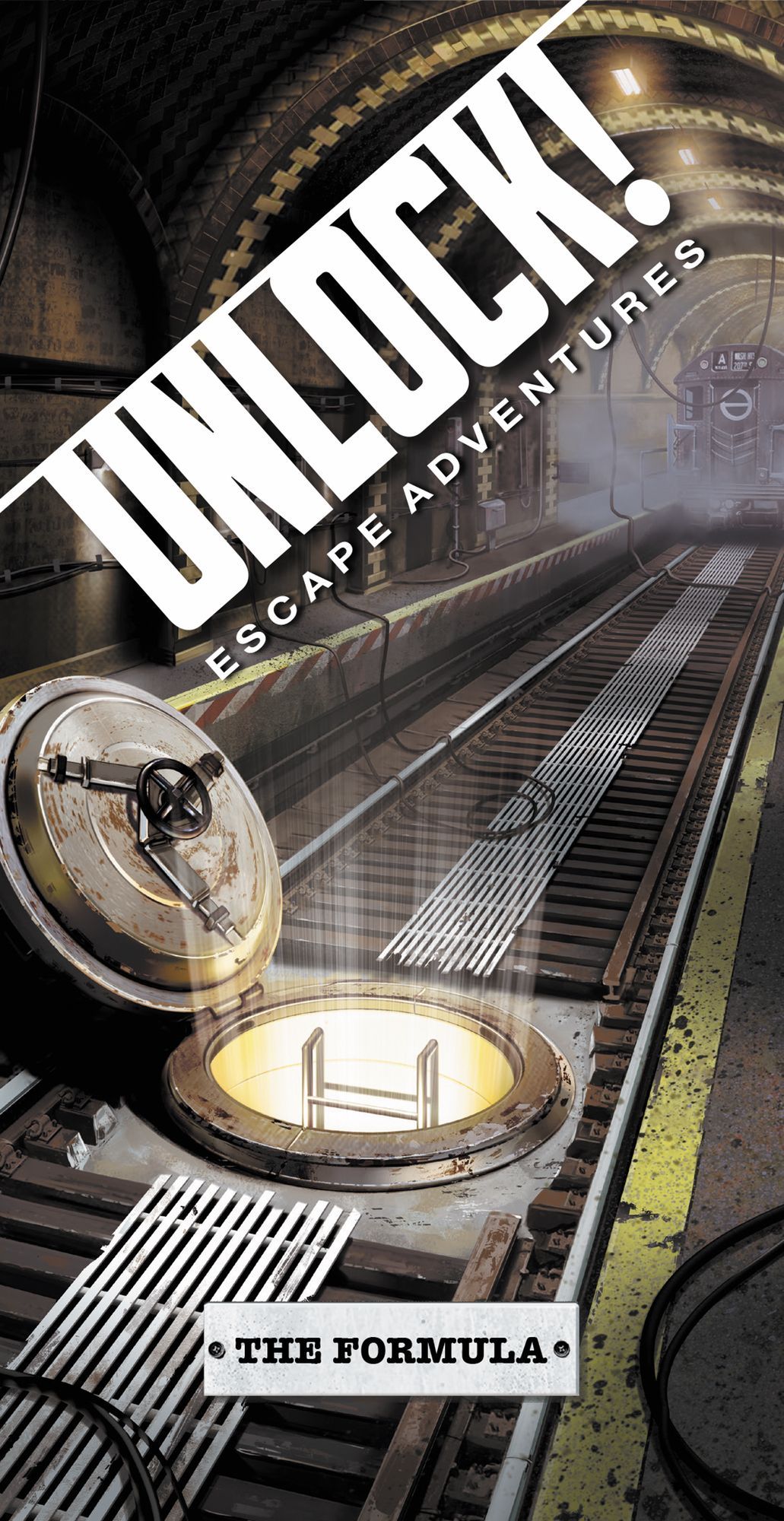 Unlock!: Escape Adventures – The Formula
 Unlock!: Escape Adventures – The Island of Doctor Goorse
 Unlock!: Escape Adventures
 Unlock!: Escape Adventures – The Elite
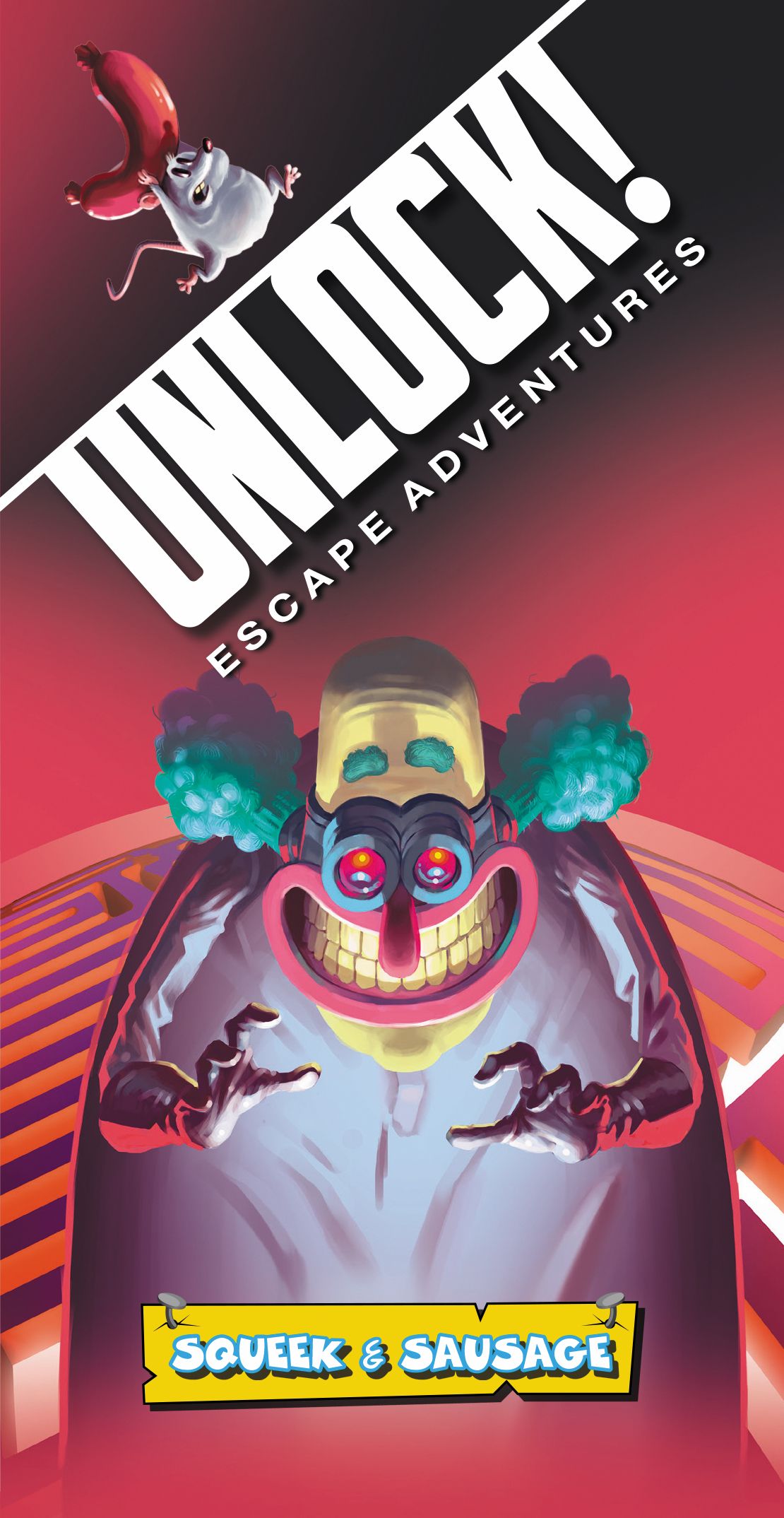 Unlock!: Escape Adventures – Squeek & Sausage
 Unlock!: Escape Adventures – Fifth Avenue
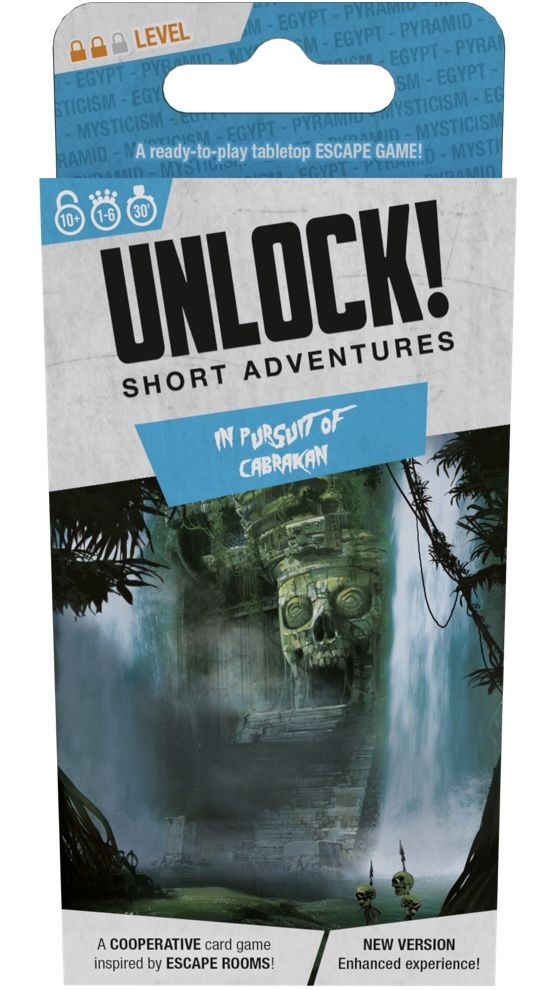 Unlock!: Short Adventures – In Pursuit of Cabrakan
 Unlock!: Legendary Adventures
Manual publicado pela editora · uso para consulta de regras. Mais sobre o jogo em BoardGameGeek e Ludopedia .