How to Play Steam
Mayfair Games, Devir, Edge Entertainment · Board game · 2009What do you want to do now
Ask anything about Steam: rules, setup, components, complexity, price, or whether it fits your group.
Video: How to Play
Start here, then follow the written guide
Step by step
Game Objective
Steam is a game about building railroads and delivering Goods cubes along a network of tracks. Your goal is to build tracks, upgrade your locomotive, and deliver goods to make the most profitable deliveries possible. By moving goods, you earn points that can be used to increase your income or your Victory Point (VP) score. The player with the most Victory Points at the end of the game wins.
Preparation (Setup)
- Goods Cubes: Place all Goods cubes in the Goods Bag. Randomly draw cubes and place them on each city hex according to the number printed on the hex. (If using the Europe map with 3 players, place one cube fewer on each city).
- Goods Supply: Place three randomly drawn cubes on each Goods Supply space (one fewer if playing with 3 players).
- Board Components: Place City Growth markers and New City tiles next to the map.
- Player Setup: Each player chooses a color of tokens and places one on the "zero" space of the Income track and another on the "zero" space of the Victory Point Track.
- Locomotive: Place one token on the "1" Locomotive box to mark your starting Locomotive Level.
- Banker & Turn Marker: Appoint a banker to manage the Money tokens. Place the turn marker on the "one" space of the Game Turn Track.
- Turn Order:
- Random Method: Shuffle Action tiles and deal one to each player; the lowest number goes first. The 2nd player receives $1, 3rd receives $2, and so on.
- Auction Method: Auction each position starting from 1st place. The winner pays by moving their token down the Income Track (1 space per $5). The last player takes the final spot for free.
Game Flow
The game is played over a series of turns. The number of turns depends on the player count: 10 turns for 3 players, 8 turns for 4 players, and 7 turns for 5 or 6 players. Each turn consists of 6 distinct phases:
- Select Action Tiles: Players choose one Action tile in turn order.
- Build Track: Players place track tiles to create links.
- Move Goods (or Improve Locomotive): This phase consists of 2 rounds. In each round, players choose to improve their locomotive, move a cube, or pass.
- Income & Expenses: Players collect money or pay debts based on their position on the Income Track.
- Determine Turn Order: The turn order for the next turn is determined by the value of the Action tiles selected (lowest value goes first).
- New Turn: Action tiles are returned, and the turn marker moves forward on the Game Turn Track.
Actions and How to Play
Action Tiles
During Phase 1, you select one of the following:
- TURNORDER: You will be first in the turn order next turn.
- FIRSTMOVE: You move a Goods cube first in each round of the Move Goods phase.
- ENGINEER: You may build up to four track tiles during the Build Track phase instead of three.
- FIRSTBUILD: You build track first during the Build Track phase.
- CITY GROWTH: Add a set of cubes from a Goods Supply space and a City Growth marker to a city (cannot be used if the city already has a marker). Cost: $2. Includes a Pass Option.
- LOCOMOTIVE: Immediately increase Locomotive Level by one (max level 6). Cost: $4 plus an amount equal to the new level.
- URBANIZATION: Convert a town into a city by placing a New City tile. Cost: $6. Includes a Pass Option.
Building Track
You build links (connections between cities/towns) using track tiles. You may build up to 3 tiles per turn (4 with ENGINEER). All track must connect back to a city you own.
- Costs: $1 per track edge leaving the tile, +$1 for a town, +$1 for a river, and +$2 for a hills hex.
- Towns: You must use town track tiles on hexes containing a town.
- Incomplete Links: If a track doesn't reach a town/city by the end of your turn, it is an incomplete link. You lose ownership if you don't extend it on your next turn.
- Redirecting/Improving: You may rotate or replace the last tile of an incomplete link (Cost: $2, ignore terrain costs). You may also replace a tile with a complex crossing/passing tile (pay for all track on the new tile, ignore terrain costs).
Moving Goods
You may move one Goods cube from one city to another of the same color. The route length cannot exceed your Locomotive Level.
- Requirements: You must use at least one of your own links, and you must use your own links at least as much as any other single player's links.
- Scoring: You earn one track point for each of your links used. Opponents earn one point for each of their links you used.
- Point Allocation: You must assign all points from a delivery to either income or Victory Points; you cannot split them.
Money and Raising Capital
If you lack cash for costs, you raise $5 by moving your token down the Income Track. If you are already at -$10 income, you must reduce your VP total by 2 for every $5 raised. If you have -$10 income and 0 VPs, you cannot raise more money.
End of Game and Scoring
The game ends after Phase 4 of the final turn. Final scoring is calculated as follows:
- Income Conversion: Gain 1 VP for every 2 points of positive income (round down). If income is negative, subtract twice that amount from your VPs (e.g., -$2 income = -4 VPs).
- Completed Links: Gain 1 VP for every completed link you own. Incomplete links score nothing.
- Victory: The player with the most Victory Points wins.
- Tie-breaker 1: Highest income level.
- Tie-breaker 2: Player who took the lowest numbered Action tile in the final turn.
Tips for Winning
- Balance Investment: Balance the need to invest in Locomotive Level (to make longer, more profitable deliveries) against the quest for Victory Points.
- Strategic Links: Building a series of links that form a loop may be profitable.
- Network Control: Use Urbanization to create new cities, which provides new delivery options and supplies extra Goods cubes.
More videos
More rules explanations from the community


Rules manual
Official PDF file
Frequently Asked Questions
Quick answers about the rules
What is the objective of Steam?
How do you set up Steam?
How do you play Steam?
How does Steam end, and how do you score?
What are some tips for winning Steam?
Expansions
Published additional content
 Age of Steam Expansion: Barbados / St. Lucia
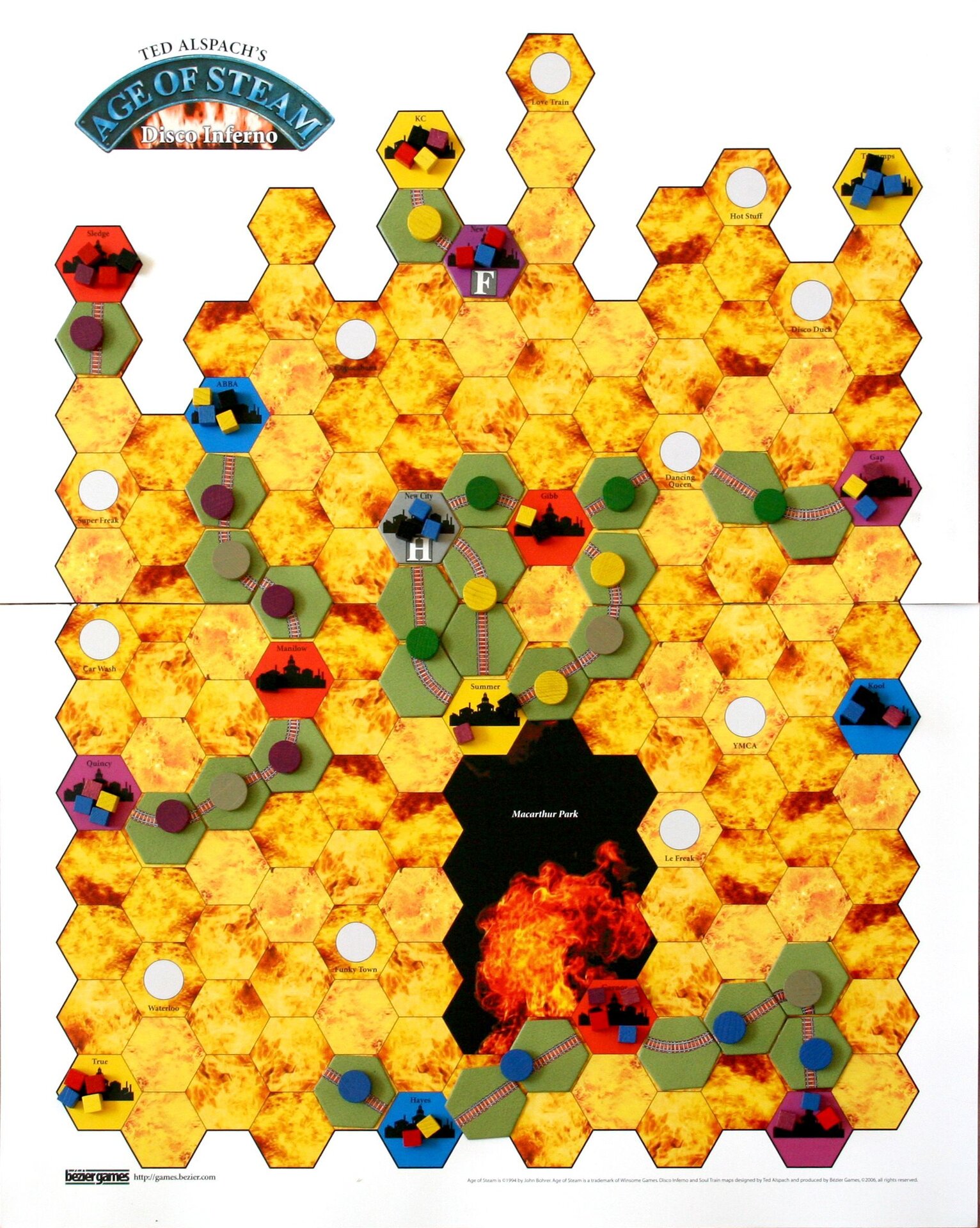 Age of Steam Expansion: Disco Inferno / Soul Train
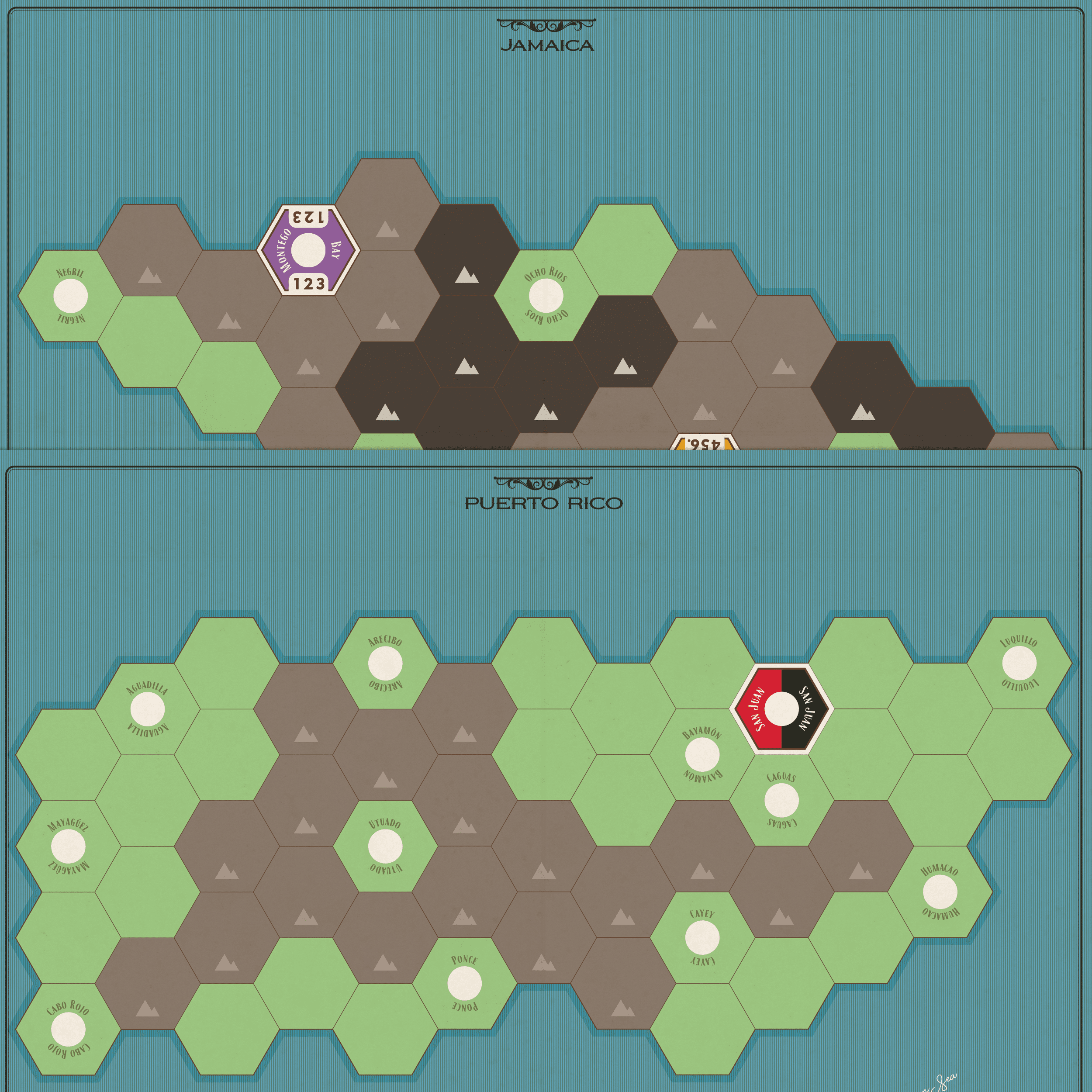 Age of Steam Expansion: Jamaica / Puerto Rico
 Age of Steam Expansion: Mississippi Steamboats / Golden Spike
 Age of Steam Expansion: Vermont, New Hampshire & Central New England
 Steam Barons
 Steam: Map Expansion #1
 Steam: Map Expansion #2
 Steam: Map Expansion #3
 Steam: Map Expansion #4
 Steam: Map Expansion #5
Other Games You'll Like
Based on mechanics and theme