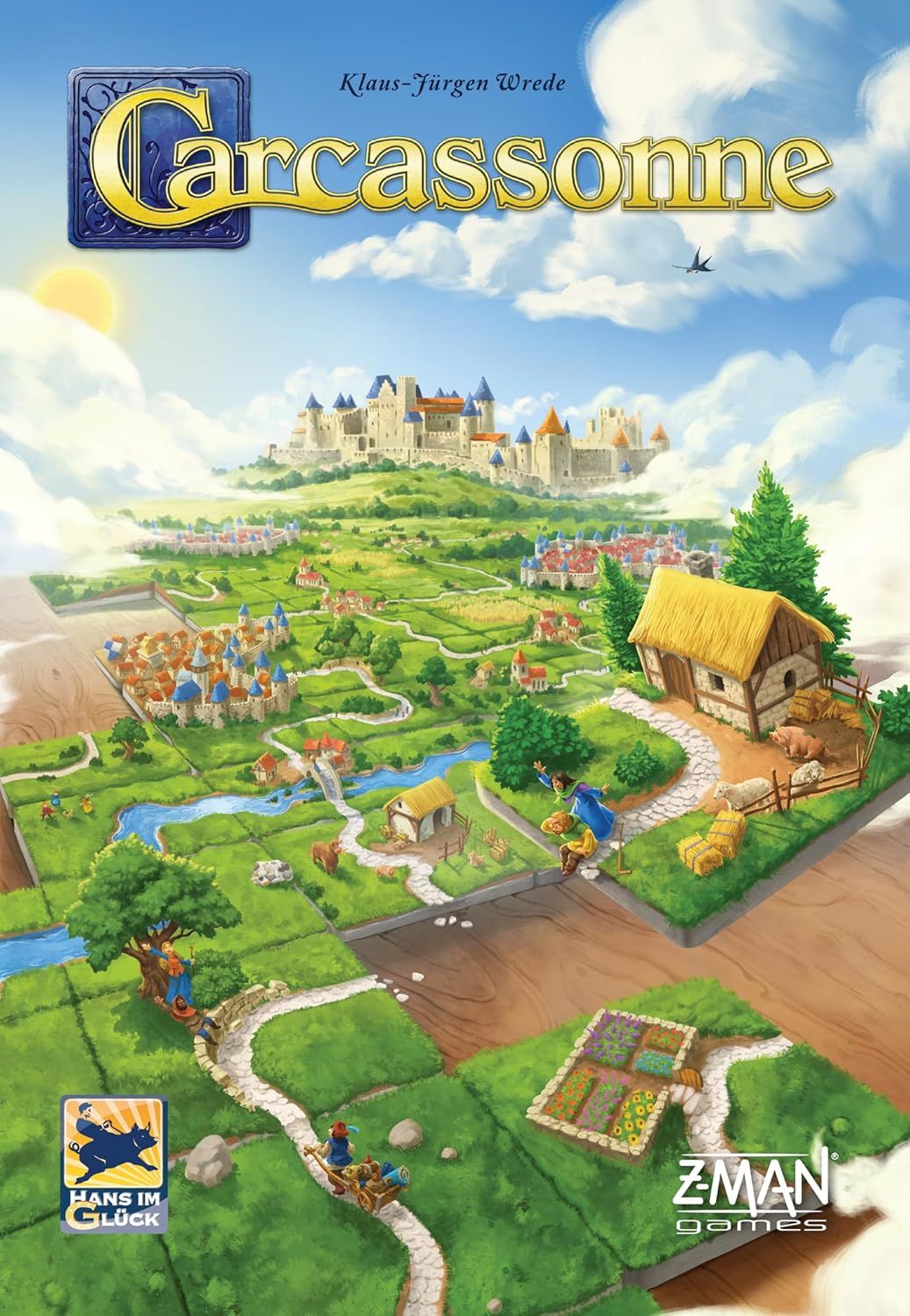
How to Play Carcassonne: Little Buildings
Hans im Glück, W. Nostheide Verlag GmbH · Board game · 2012What do you want to do now
Ask anything about Carcassonne: Little Buildings: rules, setup, components, complexity, price, or whether it fits your group.
Step by step
1. Game Objective
The objective of Carcassonne: Little Buildings is to build and expand the Carcassonne landscape, scoring points by completing roads, cities, cloisters, and fields. With this mini-expansion, players can use buildings to gain additional points, affecting the scoring of the landscape tiles where they are placed. The buildings remain on the tiles until the end of the game, potentially generating points for multiple structures and fields.
2. Setup
- Separate the 18 new building tiles: 6 houses, 6 towers, and 6 sheds.
- Distribute the 18 new building tiles equally among all players.
- In games with four or five players, place any excess buildings back in the box.
- For the variant, ensure each player receives the same number of each building type (towers, houses, sheds) during distribution.
3. Game Flow
Refer to the manual for details on this section.
4. Actions and How to Play
On your turn, you perform your normal Carcassonne base game actions. If you cannot, or do not wish to, place a follower on the landscape tile you just placed, you may instead place one of the new buildings on it. Place this building on the tile so that no information is covered, if possible. The building is not associated with a structure or a field on the tile; instead, it affects the entire landscape tile.
Building Types (Variant)
In the variant, the building types have different values:
- Towers: +3 points
- Houses: +2 points
- Sheds: +1 point
5. End of Game and Scoring
When a road, city, cloister, or field is scored, each of the new buildings located on a landscape tile of the structure or field scores 1 additional point. These points are added during scoring, after all others. When cloisters are scored, all buildings on adjacent tiles (within the "cloister area") are included in the count.
A building remains on the placed tile until the end of the game and can earn you points for multiple structures and fields. Points for buildings are also awarded in the final scoring.
Scoring Example:
- A player adds a tile and places a shed on it.
- With this action, they complete a city and a road.
- The player scores 7 points for the road (5 tiles and 2 buildings).
- The player scores 10 points for the city (3 city segments and 1 banner for 2 points each, plus 2 buildings).
6. Tips for Winning
- Consider placing a building on a tile that can be part of multiple structures or fields to maximize your points throughout the game.
- Prioritize placing buildings on tiles that are adjacent to cloisters, as they score for buildings on adjacent tiles.
- In the variant, use higher-value buildings (towers and houses) on strategic tiles that are likely to be scored multiple times or that will complete valuable structures.
Rules manual
Official PDF file
Frequently Asked Questions
Quick answers about the rules
What is the objective of Carcassonne: Little Buildings?
How do you set up Carcassonne: Little Buildings?
How do you play Carcassonne: Little Buildings?
How does Carcassonne: Little Buildings end, and how do you score?
What are some tips for winning Carcassonne: Little Buildings?
Expansion for
Published additional content