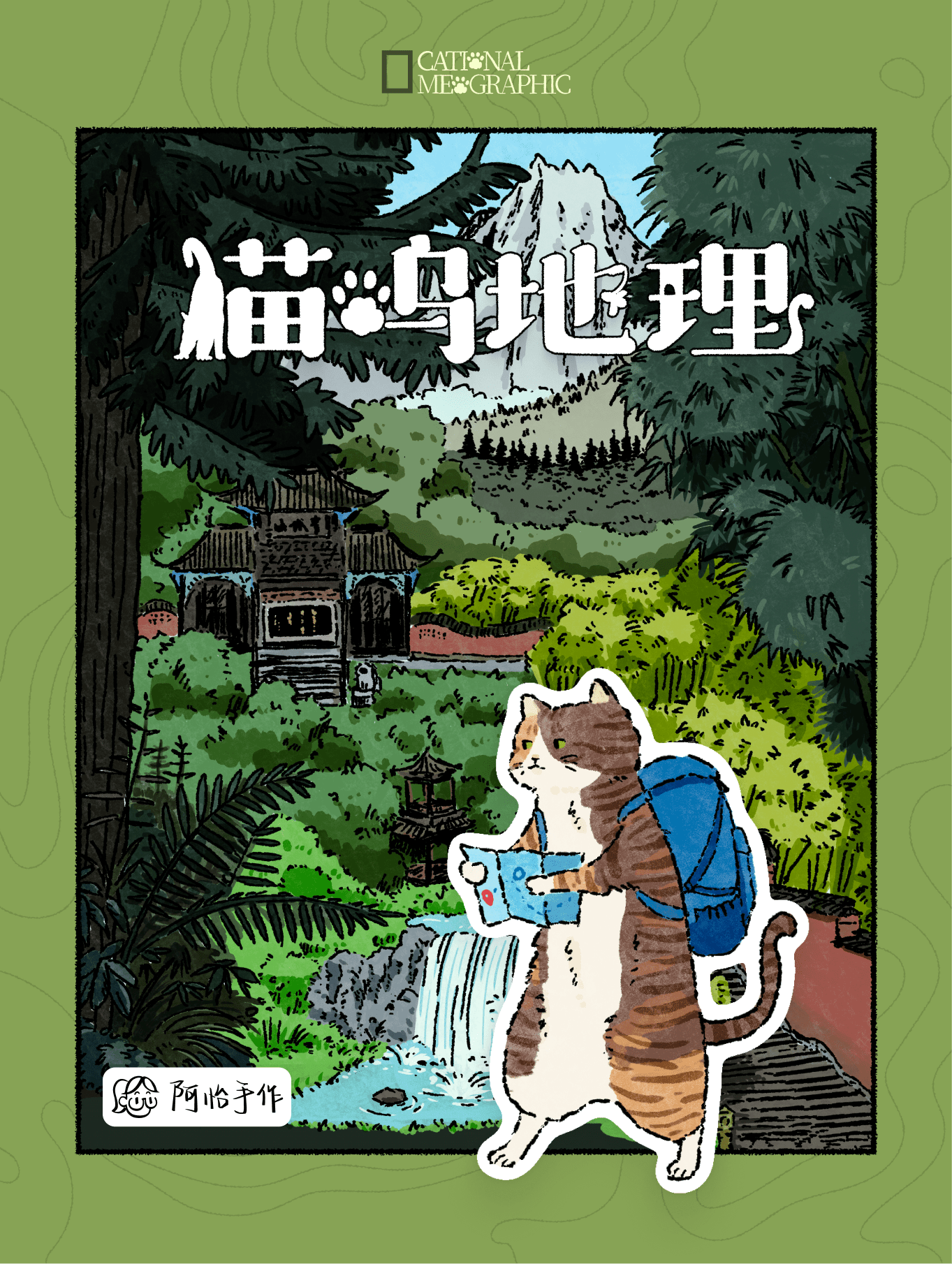
How to Play Cational Meographic
阿怡手作 (Ayi Boardgame Craft) · Board game · 2025What do you want to do now
Ask anything about Cational Meographic: rules, setup, components, complexity, price, or whether it fits your group.
Video: How to Play
Start here, then follow the written guide
Step by step
Objective of the Game
In Cational Meographic, you'll embark on a hiking adventure over 21 days, aiming to complete various photo missions. You'll do this by strategically placing different landscape tiles and accumulating Pawints. The player with the highest Pawints after 21 rounds wins the game.
Preparation (Setup)
- Place the Map Board in the center of the table.
- Place each player's Player Marker on the starting space.
- Shuffle the 15 Photo Mission Cards and stack them together on the leftmost side of the board.
- Draw the first Photo Mission Card and place it to the side of the stack for the starting round.
- Shuffle the 100 Landscape Tiles and place them into the Draw Bag.
- Draw tiles from the bag and stack tiles of the same landscape type together. Continue drawing until there are 3 stacks of tiles. These are your supply piles.
- Each player randomly draws one landscape tile from the Draw Bag as their starting hand.
- The player who has traveled most recently becomes the starting player.
- The game begins with the starting player taking the first turn.
Game Flow
The game consists of 21 rounds. In each round, starting from the first player, each player takes a turn. Each turn consists of 4 steps:
- Scout
- Take Photo
- Earn Pawints
- Mission Update (only performed by the last player of the round)
After 21 rounds, the player with the highest Pawints wins the game. The starting player remains the same for all rounds of the game.
Solo Mode Game Flow
In Solo Mode, the game proceeds with the round as usual. Before replenishing landscape tiles during the Scout step, discard the top tile of the rightmost stack. If the rightmost stack becomes empty, move the remaining stack to the far right. Then replenish new landscape tiles until three distinct types are formed.
Ações e Como Jogar
Scout
During the Scout step, players may either:
- Take the top tile from one of the three supply piles, OR
- Draw one tile from the blind draw bag.
After this action, if the number of supply piles drops below three, draw tiles from the bag to replenish them to three piles. During replenishment, if identical landscape tiles are drawn, they are placed in the same stack. This continues until three distinct types of landscape tiles are replenished to form three separate stacks. If there remain three supply piles after a player takes a landscape tile, do not draw a new one.
Take Photos
During the Take Photos step, players place a landscape tile in their personal playing area. The first tile may be placed freely. Except for the first tile, each subsequent tile must be placed adjacent to existing tiles, meaning at least one edge must be touching another tile.
Earn Pawints
Pawint scoring consists of three parts:
- The Pawint of the tile itself.
- Pawints from adjacent tiles meeting the conditions.
- Pawints from completed photo missions meeting the requirements.
Tile Pawints
Players earn Pawints indicated by the Tile's Pawint icon on the newly placed tile.
Adjacency Pawints
For each adjacent tile with the same landscape type and equal or fewer Pawints than the newly placed tile, players earn its base Pawints. No Pawints are earned for adjacent tiles that have a different landscape type OR a higher Pawint value than the placed tile.
Photo Missions
Players earn Pawints drawn on a photo mission card if the card's requirement is met. The completed shape must include the newly placed tile. The shape is valid even if it is a rotated or flipped version of the required pattern. Players score Pawints only once per photo mission card, even if multiple shapes on the same card are completed. Players score Pawints separately for each photo mission card whose shape is completed simultaneously.
Mission Update
The Mission Update step is performed only by the last player of the round. The last player selects a card to move. If a card is half-covered by a card on its top, move that card. Otherwise, move the top card from the leftmost stack of cards. Move the card to the right. If there is a card to its right, then cover its pattern but leave the Pawints shown. Otherwise, place the card in the empty space to form a new stack. After the Mission Update, some photo mission cards may become covered. A covered card will not grant Pawints for completing its pattern. Instead, the card covering it will grant bonus Pawints equal to the card covered.
Fim de Jogo e Pontuação
The game ends after 21 rounds have been completed. The player with the highest total Pawints wins the game.
Dicas para Vencer
- Focus on completing photo missions, as they can provide significant Pawints. Remember that patterns can be rotated or flipped.
- Strategically place landscape tiles to maximize adjacency Pawints by matching landscape types and considering the Pawint values of adjacent tiles.
Rules manual
Official PDF file
Frequently Asked Questions
Quick answers about the rules
What is the objective of Cational Meographic?
How do you set up Cational Meographic?
How do you play Cational Meographic?
How does Cational Meographic end, and how do you score?
What are some tips for winning Cational Meographic?
Other Games You'll Like
Based on mechanics and theme