
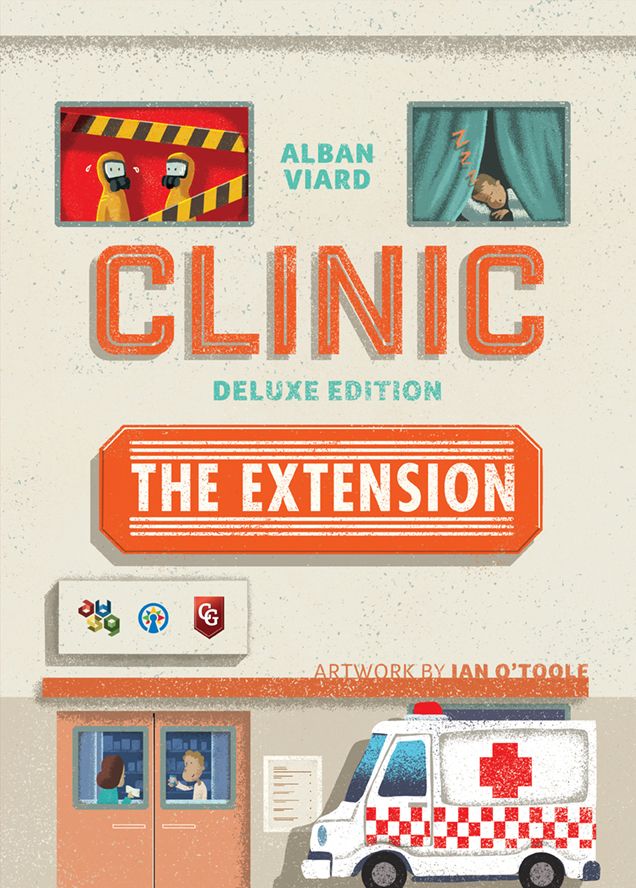
How to Play Clinic: Deluxe Edition – The Extension
AVStudioGames, Capstone Games, Giant Roc · Board game · 2019What do you want to do now
Ask anything about Clinic: Deluxe Edition – The Extension: rules, setup, components, complexity, price, or whether it fits your group.
Step by step
Goal of the Game
Your clinic is taking off, but the competition is fierce! The goal is to make your healthcare stand out from the competition by providing special care for certain patients, building taller buildings, and maximizing your profits. You must manage resources, expand your facility, and ensure patient satisfaction to become the best healthcare option.
Setup
Setup varies depending on the expansions used, but the general guidelines are:
- Expansion Boards: Place the Floor 4, Amenities, Ambulance, Janitors, Pharmacy, Hospice, Virus, Satellite TV, ICU, Obstetrics, and Pillars boards near the main board.
- Ambulance: Fill the ambulance spaces with random ambulances and patients from the supply (only white and yellow colors). Return orange or red ones to the box.
- Janitors: Fill the first left column of the maintenance board with 1 janitor per space, according to the number of players.
- Pharmacy: Place the capsules in the bag according to the number of players and remove the amount indicated in Phase 3 from the Pharmacy board, placing them in the corresponding color spaces.
- Hospice: Each player receives a Hospice board and places 1 elderly person in each of the 4 spaces.
- Virus: Place the virus pieces in the indicated spaces on the virus board according to the number of players.
- Obstetrics: The first player chooses how many pregnant women enter the game in Round 1 and places them in the University.
- Urban Planning: Secretly take 1 easy urban planning card, 1 medium, and 1 hard. Choose one as your goal and set the other two aside face down.
- Underground Construction Unit: Agree on a work scenario (difficulty level) that defines how many spaces will be blocked.
Game Flow
The game is divided into rounds, and each round follows a specific phase structure:
Phase 1: Actions
In this phase, players perform their movement, construction, hiring, or treatment actions. Depending on the expansion, new actions such as Contagion (in the case of Virus) or Move (for Janitors or Elderly) may occur here.
Phase 2: Business
In this phase, payments and income are collected:
- Expenses: Payment of maintenance and staff costs.
- Profitability: Receiving payments for treated patients, use of the cafeteria, or care for elderly.
- Patient Care: Resolution of treatments in treatment rooms, ICU, or Obstetrics.
Phase 3: Administration
Maintenance and board update phase:
- Advancements: Doctors in the university or dormitory level up.
- Cleaning: Removal of expired capsules from the Pharmacy.
- Replenishment: New capsules are placed in the Pharmacy and new pregnant women are allocated to the University.
- Patient Deterioration: Patients in services with a virus or in the clinic (except in the ICU) worsen in level.
Actions and How to Play
Actions depend on the active expansions, but the main ones are:
- Move:
- Staff: Doctors, nurses, and assistants can spend 1 time to go to the cafeteria or dormitory (in groups of 1 to 3).
- Janitors: Can move to any module.
- Elderly: Moving to an adjacent entrance or space costs 2 times.
- Build: Allows you to build 2 components. With Janitors, you can move a conveyor when building. With Pillars, you can build a pillar as a construction bonus once per round.
- Hire: Allows you to hire doctors, nurses, assistants, or janitors. In the Pharmacy, it can be used to buy capsules. In Obstetrics, it can be used to take a pregnant woman from the University to the clinic.
- Admit Patients: With the Ambulance expansion, you can move a patient from the ambulance parking to pre-admission before performing the normal action.
- Treat Patient:
- Normal: Requires appropriate staff.
- ICU: Requires a doctor, nurses, and the correct adjacent service. If successful, the patient improves 2 levels.
- Obstetrics: Requires 1 white doctor and 1 yellow doctor (or nurses to compensate).
- Contagion (Virus): If the total number of patients in pre-admissions of a service is greater than 2 per player, a virus is placed on the notepad.
End of Game and Scoring
The game ends according to the established trigger (not detailed in the provided context, but the end of the game is affected by the following criteria):
- Urban Planning: If you have modules or pillars in all positions of your urban planning card, you gain positive popularity; otherwise, negative popularity.
- Elderly: Each elderly person who passes away in the hospice generates -5 popularity.
- Patients: Each patient who dies in the clinic generates -5 popularity.
- Obstetrics: Failing to treat a pregnant woman generates -2 popularity.
Tips to Win
- Space Management: Use pillars to build taller buildings and make better use of the terrain.
- Staff Efficiency: Use janitors to reduce the maintenance costs of the conveyor network.
- Urban Planning Strategy: Choose your urban planning card carefully and focus on fulfilling the required pattern to ensure positive popularity.
Rules manual
Official PDF file
Frequently Asked Questions
Quick answers about the rules
How do you set up Clinic: Deluxe Edition – The Extension?
How do you play Clinic: Deluxe Edition – The Extension?
How does Clinic: Deluxe Edition – The Extension end, and how do you score?
What are some tips for winning Clinic: Deluxe Edition – The Extension?
Expansion for
Published additional content

