
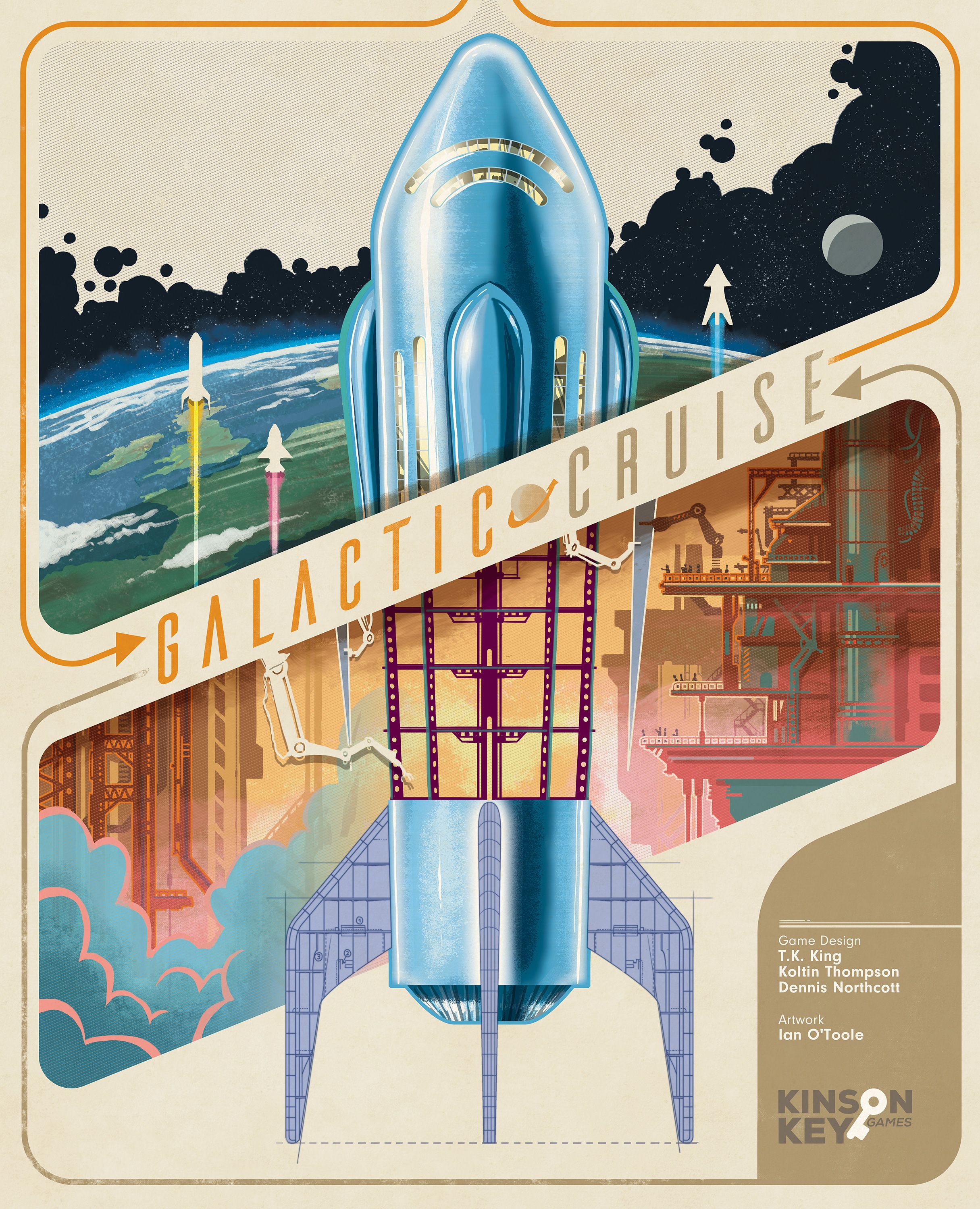
Galactic Cruise — How to Play
Kinson Key Games, CrowD Games, Dranda Games · Board game · 2025Video: How to Play
Start here, then follow the written guide
Step by step
Objective
In Galactic Cruise, you play as a supervisor of the company, building ships, satisfying guests, and developing the company to earn Victory Points (VP). Each year the Board of Directors holds an Annual General Meeting (AGM) to assess progress. After three years, the supervisor with the most VP becomes the new CEO and wins the game.
Setup
Game Setup
- Place the Main Board in the center of the play area (intro side up for the Intro Game, standard side up for the Standard Game). Place the Marketing Board to the right.
- Shuffle the Agenda Cards and place them facedown beside the Main Board. Reveal four cards from the top of the deck and place them faceup on the indicated spaces on the Main Board from bottom to top.
- Place the Progress Track tiles that match the player count on the matching spaces (1/2/3) on the Main Board. Return the rest to the box.
- Place a neutral cube in the bottom left space of each Progress Track tile. Place a neutral cube in the bottom left space of the 2 Progress Track (do not place any in 1 or 3).
- Place a Company Goal Tracker in each of the three bottom spaces of the Company Goal area. Use the middle spaces instead.
- Place a Technology Tile facedown next to the Main Board to be used in Step 7. Return the rest to the box.
- Refer to the printed graphic on the facedown Technology Tile to see where to place the neutral Development tiles depending on the player count. Place a neutral Development in each depicted area for the corresponding player count, covering the Reputation icon. Return the used Technology Tile and any unused neutral Developments to the box.
- Place the Money Tray and Ad Tray within reach of the players, creating the supply of Money and Ads.
- Place the Blueprint Tray next to the Main Board. Shuffle the Blueprint Tiles, return them to the tray, take five tiles, and place them blueprint side up on the indicated spaces on the Main Board from bottom to top.
- Place a Small Resource Tracker of each type into the Storage Silo on the “2” space on the Main Board.
- Place the Cockpit Tray and Engine Tray next to the Main Board. Shuffle the Cockpit Tiles, return them to the tray, take four Cockpits, and place them with the 5 side up on the indicated spaces on the Main Board from bottom to top.
- Shuffle the Engine Tiles, return them to the tray, take four Engines, and place them bonus side up on the indicated spaces on the Main Board from bottom to top.
Player Setup
- Take your starting Cockpit and Engine tiles (marked with a star) and place them to the left of your Player Board with the correct sides faceup.
- Place your two Expert Workers into the spaces shown on the Player Board.
- Place your two Workers in your Break Room.
- Place your nine Developments into the spaces shown on the Player Board.
- Place your three Large Resource Trackers on the “1” spaces (one of each type) on the Player Board.
- Place the four brown Upgrade Tokens with the Funding Bonus icon on the top four spaces of your Launch Tower, matching the bonus type. Place the remaining four gray Upgrade Tokens in the bottom spaces in any configuration.
- Take your starting 10 Money and 2 Ads from the supply.
- Place three of your Progress Cubes above the Company Goal tile in the spaces matching your player color on the Main Board. Place the remaining cubes near your Player Board.
- Place your VP Tracker at “5” and your Reputation Tracker at “0” on their respective tracks on the Main Board. Place your 100 VP/200 VP token beside your Player Board.
- Place your Cruise Consultant on the Marketing Board as shown.
- Determine the first player: the player who most recently went on a cruise (or vacation) takes the First Player token.
- In clockwise order starting with the first player, draw one Agenda Card from the top of the deck. Set your starting Reputation (first player 0, second 1, third 2, fourth 3).
Game Flow
- Advance Ships: At the start of your turn, any Ship currently in space automatically advances to its next Stop on the Cruise. Resolve the stop’s effects (Destination, Day in Space, or Returning to Earth).
- Action Phase: Choose one of the following options:
- Assign a Worker – Place a Worker from your Break Room onto one of the six locations in the Network and take up to two actions available to that Worker.
- Launch a Ship – Send a Worker from your Break Room into the Launch Elevator to start the launch countdown and launch a Ship.
- Call a Meeting – Recall all your Workers from the Network back to your Break Room and then take one action at a location that has at least one of your Developments connected to it.
- Accomplish Company Goal: At the end of your turn, check whether you have met any of the three Company Goals. If so, you may claim the goal and receive its reward.
Play continues around the table in clockwise order until the Progress Track triggers the end of the game. Consult the manual for details about the end condition.
Actions and How to Play
Assign a Worker
Place a Worker from your Break Room onto one of the six locations in the Network (except where you already have a Worker). If the location contains another player’s Worker, that Worker is bumped back to its owner’s Break Room and the owner gains a Funding Bonus. After placing the Worker, you may take up to two actions that the Worker has access to. The Worker always has access to the two actions at the location where it is placed; if a Development connects to an adjacent location, the Worker may also access the actions at that adjacent location.
Launch a Ship
Send a Worker from your Break Room into the Launch Elevator to initiate the launch countdown. The Worker then launches a Ship that is ready to travel on a Cruise. The launch consumes the chosen Upgrade Token from the Launch Tower, flipping it over to grant its one‑time bonus.
Call a Meeting
Recall all of your Workers from the Network back to your Break Room. Then take one action at a location that has at least one of your Developments connected to it.
Accomplish Company Goal
At the end of your turn, check whether you have met any of the three Company Goals. If you have, claim the goal and receive its reward. The difficulty of goals may increase as players accomplish them.
Build a Development
Choose one of the leftmost Developments from any resource row on your Player Board and pay the cost listed at the bottom of the column (Money and/or the resource associated with the row). After paying, remove the Development from your Player Board and place it in the Network or below a Technology. If it is the first Development placed in a given area, you cover
More videos
More rules explanations from the community
In English
-
 Galactic Cruise - Exclusive Tutorial & Playthrough
-
 Galactic Cruise - Learn While Playing
-
 Galactic Cruise - Organizing the Box
-
 Galactic Cruise - Kickstarter Video
-
 Galactic Cruise - Playmat Setup
-
 How to Play Galactic Cruise in 29 Minutes
-
 How to Play Galactic Cruise with T. K. King (Prototype) | LIVE FROM ORIGINS
-
 Galactic Cruise - Playthrough! Euro board game, fun theme and Lacerda feels. Plus thematic parody?
-
 Galactic Cruise - 3p - The Rules (only) by Heavy Cardboard
-
 Galactic Cruise - Solo - The Rules (only) by Heavy Cardboard
-
 Galactic Cruise | Solo Board Game Tutorial and Playthrough (Review copy provided)
Rules manual
Official PDF file
