
How to Play Star Wars: Unlock!
Space Cowboys, Galápagos Jogos, Gémklub · Board game · 2020- Players
- 1–6 · best 2
- Players
- Solo
- Play Time
- 60 min
- Weight
- Weight 1.9/5
- Year
- Year 2020
- Minimum age
- Minimum age 10+
What do you want to do now
Ask anything about Star Wars: Unlock!: rules, setup, components, complexity, price, or whether it fits your group.
Step by step
Game Objective
In Star Wars Unlock!, players are immersed in a cooperative adventure scenario. The objective is to complete the mission proposed by each deck of cards within a one-hour time limit, overcoming various challenges and obstacles. The victory condition is to solve the final puzzle and stop the timer in the app.
Setup
- First, download the free Unlock! app from the App Store or Google Play. The app is required to play.
- Do not look at the decks of cards before starting to play.
- For the Tutorial adventure, follow these instructions:
- Place the starting card (with the adventure title) in the center of the table, text side up.
- Place the other cards face down to form a deck.
- Start the app, select the Tutorial, and position the device within reach of all players.
- One player reads the text on the starting card aloud, starts the timer in the app, and flips the card. The game begins!
- Before starting an adventure, make sure your deck is complete by checking the card numbers in the bottom right corner of the back of each card.
- The first room of the game is on the back of the starting card.
- Do not spread the deck across the table.
Gameplay Flow
The game progresses in real-time, using cards and the app simultaneously. Players form a team and work together to win. It is possible to designate one player to search for and reveal cards or to divide the deck among the players.
Whenever you see a number or a letter on a room card or any other card, take the corresponding card from the deck and reveal it. Revealed cards are placed face up on the table for everyone to see.
The app manages time, penalties, codes, machines, and hints.
Actions and How to Play
There are several types of cards:
- Other Cards: Can be a location showing a room and the objects within, the result of an interaction with an object, or a penalty applied to players who made a mistake.
- Objects (red or blue symbols): Can interact with other objects.
- Machines (green symbol): Are operated via the app.
- Codes (yellow symbol): Require you to enter a code in the app to continue the adventure.
Revealing Cards
The first room of the game is on the back of the starting card. In this room, there are numbers and letters that correspond to cards in the deck. Each time you see a number or a letter on a room card or any other card, take the corresponding card from the deck and reveal it. Revealed cards are placed face up on the table.
During the game, not all objects are always visible. Look carefully at the cards to find, from time to time, hidden letters or numbers that correspond to cards to be searched for in the deck.
Combining Objects
It is possible to combine objects. To do this, simply add their respective numbers (within a red or blue circle) and search for the corresponding card in the deck. It is impossible to combine a letter with a number.
GOLDEN RULE: A red number can only be combined with a blue number and vice versa. No other combination is possible (blue+blue, red+red, blue+gray, etc.).
Example: You decide to combine the code cylinder (1111) with the locked box (3535). Then, you search for card 4646 (11+35) in the deck and reveal it. This works: you open the box and discover what's inside.
Discarding Cards
The top of some cards has crossed-out numbers or letters. Immediately discard the corresponding cards; they will not be used again during the game.
Example: After opening the box (4646), you must discard the code cylinder (1111) and the locked box (3535).
Penalties
You may lose time (usually a few minutes) due to certain actions. If you reveal a Penalty card, you must follow its instructions. These cards must always be discarded afterward.
In the app, when revealing a Penalty card, you are prompted to press the Penalty button, which may result in losing a few minutes.
Codes
During the game, you will be confronted with codes (cards with a yellow symbol): combination locks, digital door codes, etc. Find the correct code. Then, it must be entered into the app and confirmed (the card number itself does not need to be entered).
Codes are composed of 4 digits. If the entered code is correct, the app will provide instructions on how to proceed. If the code is incorrect, you will likely lose time (a few minutes).
In the app, press the Code button and enter the code. A numeric keypad allows you to enter the number. The "OK" button confirms the entry.
Machines
To operate the machines (green symbol), enter the card number into the app (if it's a letter, the number below it). Then, the app will display the machine and the buttons that must be used to activate its functions. After learning how to operate the machine, the app will guide you through all the steps to continue playing.
IMPORTANT: Improper use can cause loss of time, and you may need to advance in the adventure to understand the machine.
In the app, press the Machine button and enter the machine's card number. A numeric keypad allows you to enter the number. The "OK" button confirms the entry.
Modifiers
There are Modifiers on some cards. These are red or blue numbers preceded by a "+" inside puzzle pieces. These numbers never correspond to a card in the deck. They must be added to a number of the other color (the golden rule!).
Example: You restored power (card 2525) and gained a modifier (+6) that you can add to a red number, instead of using the card number (2525).
Example: Later in the game, you learned how to operate machine 6969. A wire must be placed between the two pins in the center. Then, press the app button and enter the number 6969. Then, by selecting the two pins in the center and after confirming, you get the red number +9. Now, you can combine this number with that of the wire (1616) and take card 2525 (16+9).
Hints
During the game and when in doubt, you can get hints by pressing the "Hint" button in the app and entering the number of a revealed card.
For cards with a letter, enter the number below the letter to get the hint. If there is no number below the letter, no hint can be obtained.
For some cards, the app will offer a second hint if the first one does not provide enough information, and possibly the solution. Remember that a solution booklet is included in this box.
The "Hidden Object" button in the app indicates the nearest hidden object based on your progress. It is also possible, at the beginning of the game, to activate the automatic help function to find hidden objects. In this case, the app will provide indications in due time.
In the app, press the Hint button and enter the number of the card for which you need help. A numeric keypad allows you to enter the number. The "OK" button confirms the entry.
End of Game and Scoring
The game ends as soon as you manage to solve the last puzzle and stop the timer. Then, you can access your score (0 to 5 green lights).
After completing the adventure, you will be automatically redirected to the score screen in the app. In some cases, it will display the adventure's outcome.
The game results screen summarizes the adventure:
- The first line shows the total time spent playing and the number of hints requested.
- The second line shows the time lost due to penalties (in parentheses, the number of penalties).
- The third line shows the time lost due to machines and incorrect codes (in parentheses, the number of incorrect codes).
The score is displayed by green lights (from 0 to 5) awarded according to your performance/time spent to complete the adventure and the number of hints requested.
Tips for Winning
- It is recommended to play the Tutorial adventure first to learn how to play, as it will guide you through the rules.
- You can take notes during the game.
- Look carefully at the cards to find hidden letters or numbers that correspond to cards to be searched for in the deck.
Rules manual
Official PDF file
Frequently Asked Questions
Quick answers about the rules
What is the objective of Star Wars: Unlock!?
How do you set up Star Wars: Unlock!?
How do you play Star Wars: Unlock!?
How does Star Wars: Unlock! end, and how do you score?
What are some tips for winning Star Wars: Unlock!?
Other Games You'll Like
Based on mechanics and theme
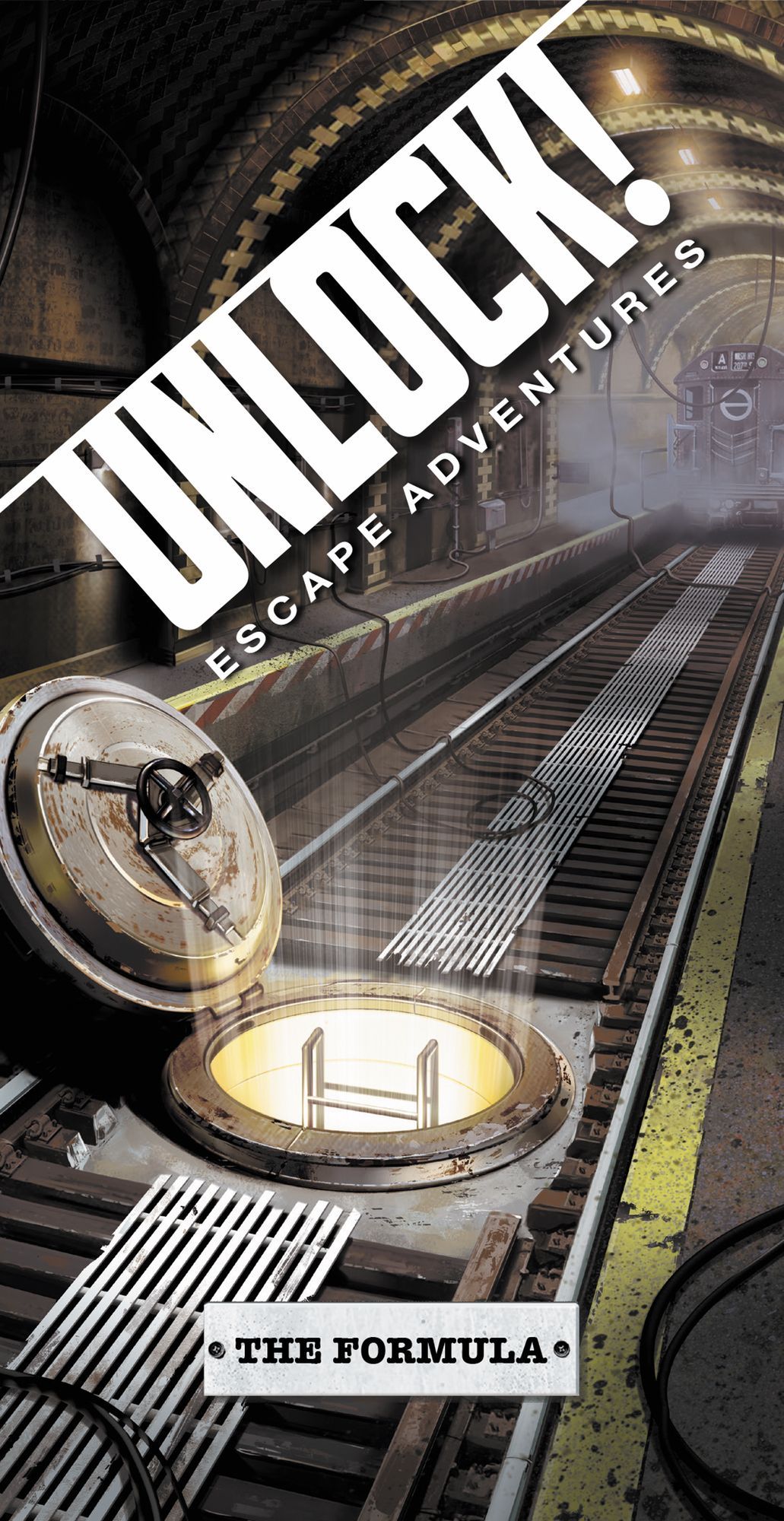 Unlock!: Escape Adventures – The Formula
 Unlock!: Escape Adventures – The Island of Doctor Goorse
 Unlock!: Escape Adventures
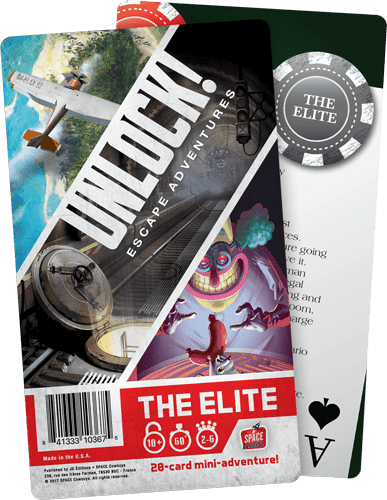 Unlock!: Escape Adventures – The Elite
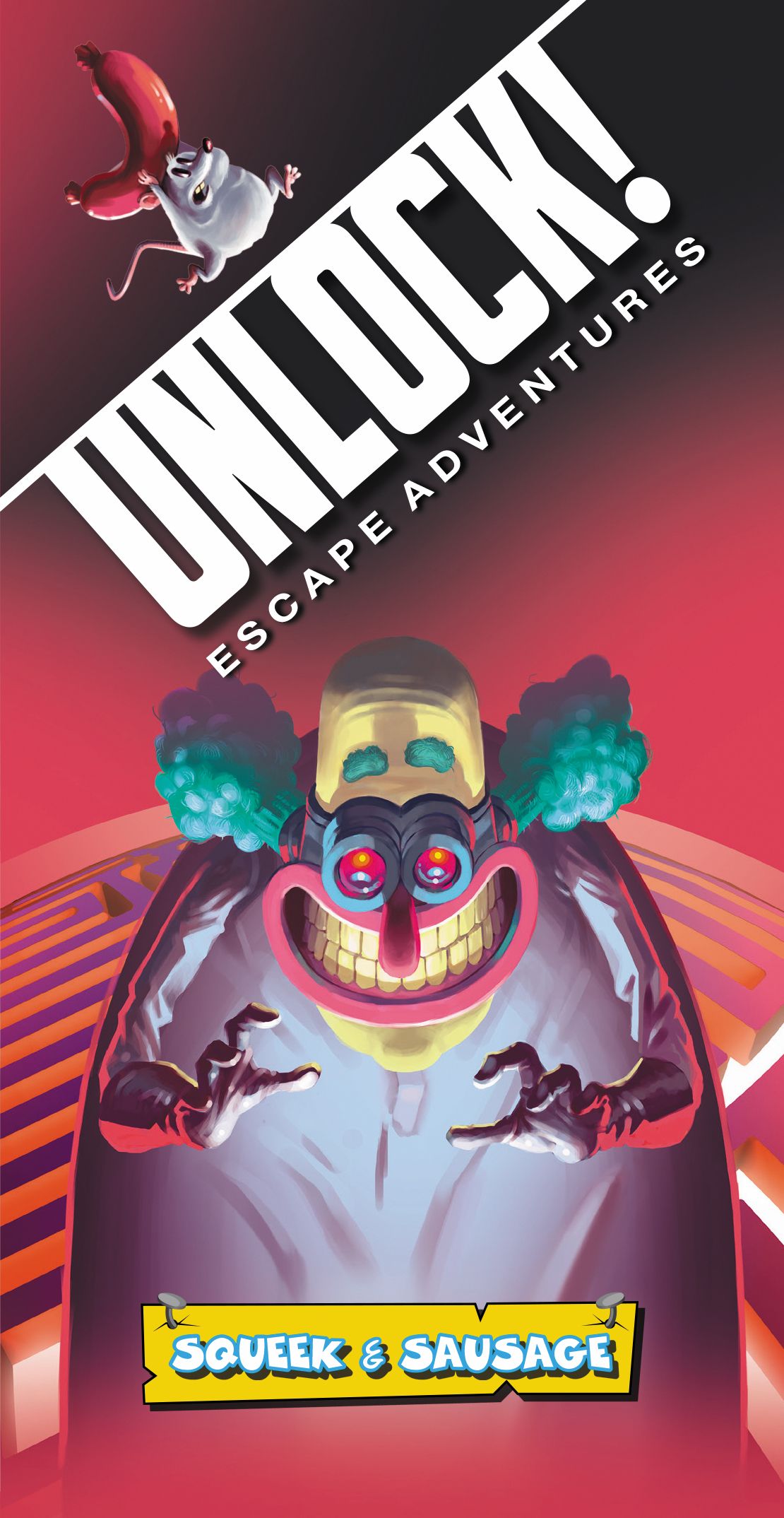 Unlock!: Escape Adventures – Squeek & Sausage
 Unlock!: Escape Adventures – Fifth Avenue
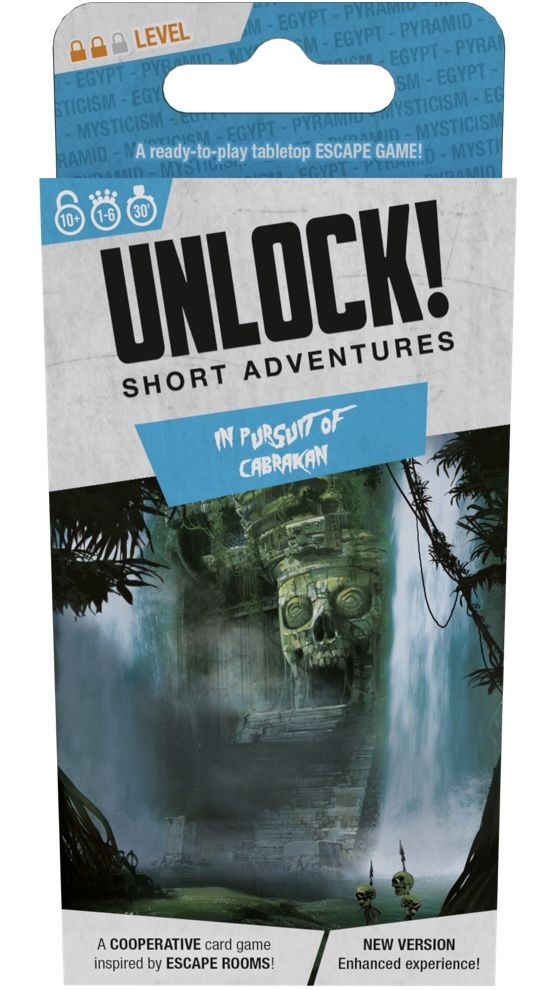 Unlock!: Short Adventures – In Pursuit of Cabrakan
 Unlock!: Legendary Adventures