
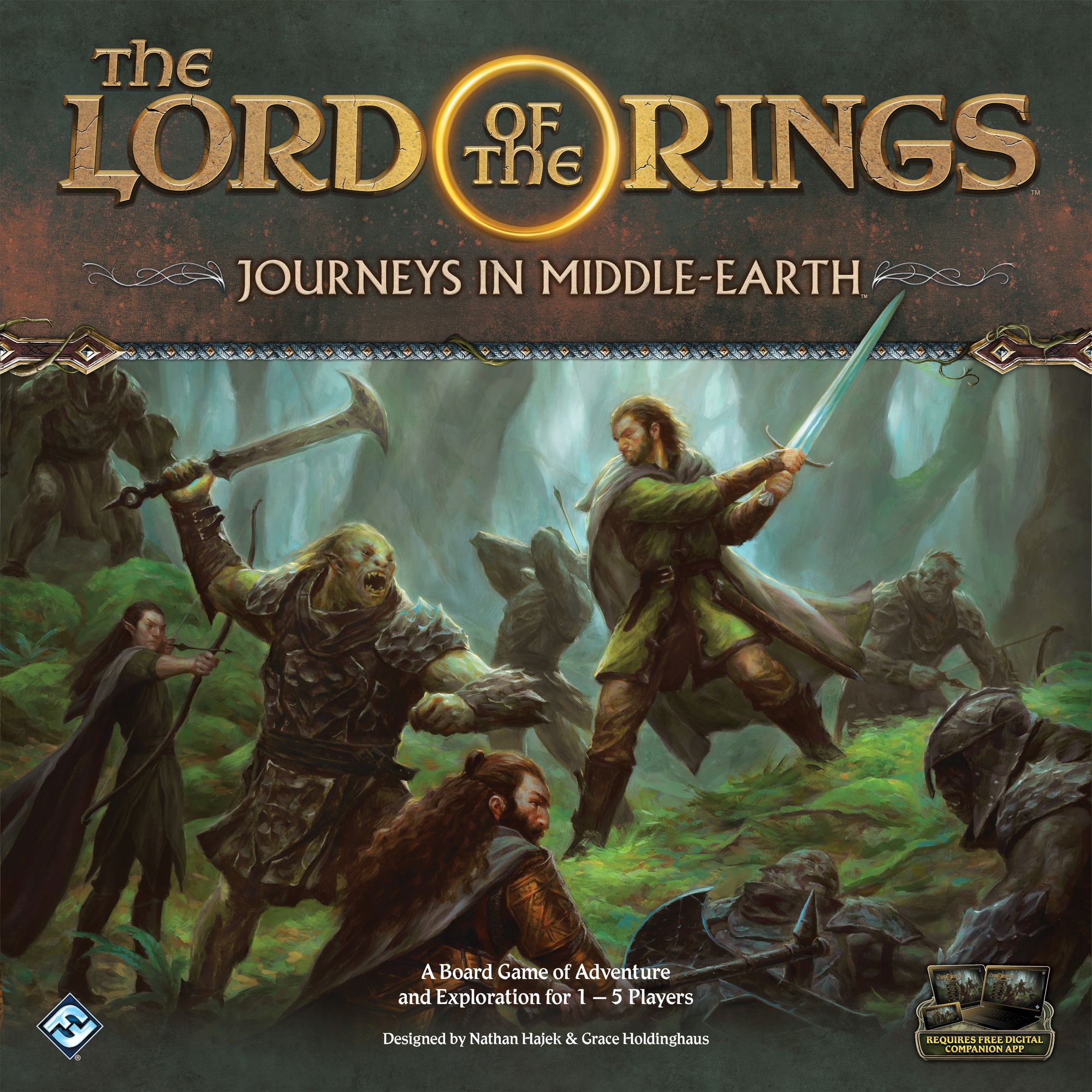
The Lord of the Rings: Journeys in Middle-Earth — How to Play
Fantasy Flight Games, ADC Blackfire Entertainment, Delta Vision Publishing · Board game · 2019What do you want to do now
Ask anything about The Lord of the Rings: Journeys in Middle-Earth: rules, setup, components, complexity, price, or whether it fits your group.
Video: How to Play
Start here, then follow the written guide
Step by step
Game Objective
Prepare for an epic adventure in Middle-earth! In "The Lord of the Rings: Journeys in Middle-earth," you and your friends (1 to 5 players) become a group of courageous heroes, working together to unravel mysteries, face enemies, and survive a perilous campaign. The main objective is to
complete a series of
objectives before the darkness of Middle-earth overwhelms you. Each game is an adventure within a larger campaign, and the success or failure of each adventure, while important, does not define the end of the journey. The campaign only ends in success or failure for the entire group of heroes after a series of adventures.
The free app is your guide on this journey, revealing challenges, positioning elements on the map, and controlling enemy behavior. Think of it as the Game Master, but without the need for a friend to narrate! So, gather your Fellowship, prepare to explore, fight, and interact, for Middle-earth awaits its heroes!
Setup
Let's set up the table and prepare your first campaign. It's an app-guided process, so follow each step carefully:
- Select Campaign and Difficulty: Open the app and click "New Game." The app will guide you to choose a campaign (the recommended one is "Bones of Arnor") and a difficulty ("Normal" is a good start). Save your progress to continue the adventure in other sessions.
- Create Group and Select Heroes: Each player chooses a
hero in the app and takes the corresponding miniature and
hero card, placing them in their play area. If you are playing alone, choose two heroes and control both.
- Gather Starting Items: The app will tell you which starting
item cards each hero receives. Find them and place them next to your hero card. You can even choose other items in the app if you want to customize more!
- Create the Damage, Fear, and Vulnerability Decks: Separate the
damage cards,
fear cards, and
vulnerability skill cards (only these, not the other skill cards). Shuffle each type separately to form three decks and place them in the center of the table, within everyone's reach.
- Create the Supply: Organize the
explore/inspiration tokens,
search/threat tokens,
person tokens, and
enemy banner tokens into separate piles. Do the same with the three
advantage cards. Also separate all
map tiles and
enemy miniatures – some will be used in the adventure. Battle map tiles and terrain tokens are not used in the first adventure, so they can go back into the box.
- Start the Campaign: Name your group in the app, click "Start," and enjoy the presentation of the heroes' story and mission.
- Choose Role: Each player selects a
role for their hero in the app. The role determines some of their abilities. The recommended roles for each hero are:
- Aragorn: Captain
- Beravor: Explorer
- Bilbo: Burglar
- Elena: Bard
- Gimli: Guardian
- Legolas: Hunter
Don't worry, the role is not permanent and can be changed between adventures!
- Gather Skill Cards: Each hero must gather 15
skill cards:
- One copy of each skill card numbered 1 to 6 with the word "Basic" at the bottom.
- The skill cards numbered 1 to 5 with the hero's name at the bottom.
- The skill cards numbered 1 to 3 with the hero's role at the bottom (they have green text boxes for easy identification).
- One vulnerability card from the top of the vulnerability deck.
- Prepare the Role Card and Create Skill Decks: Find the
starting skill card corresponding to your role (it has the number "1" after the role name and stars next to the name). Place it face up below your hero card. The remaining 14 cards are shuffled to form your
skill deck, which is placed face down in your play area.
- Place Initial Tiles and Tokens: Click "Embark" in the app. It will give you instructions to position the
map tiles and
tokens, creating the initial map. Map tiles have an alphanumeric code for easy location. Leave extra space on the table, as the map will expand! The app shows a fog indicating where new tiles will be added.
After following all these instructions in the app, your adventure begins!
The Game Round
A game of Journeys in Middle-earth is divided into
rounds, and each round has three phases that are resolved in order:
- Action Phase: Heroes move, interact, and attack enemies.
- Shadow Phase: Enemies move and attack, and shadowy threats increase.
- Rally Phase: Heroes prepare for the next round.
After the Rally Phase, a new round begins with the Action Phase, and so on, until the adventure ends.
Action Phase
In this phase, each hero takes their turn. The order of turns can change each round, so discuss and decide the best strategy! During their turn, a hero can perform
two actions, which can be the same action twice. The available actions are:
- Travel:
Allows your hero to move across the map. The map is made of
map tiles, and each has several
spaces (areas delimited by gray borders). Spaces that share a border are adjacent.
When traveling, you can move
twice. Each movement takes you to an adjacent space. You can interrupt your movements to perform your second action and then continue moving. For example, move one space, perform an action, and then move another space.
Explore: Some map tiles have an
explore token, making them
unexplored. If you move into a space on an unexplored tile, you must explore it immediately! Select the token in the app and click "Confirm." The app will guide you to discard the explore token and often gain an
inspiration (which you place on your hero card). Exploring does not cost an action; it is a result of your movement.
Add Map Tiles: The app will indicate when new map tiles need to be added, usually after exploring, interacting with tokens, or defeating enemies. It will highlight the tile code so you know where to place it.
- Attack:
Allows you to attack an
enemy group to try to remove it from the map. An enemy group consists of one or more miniatures of the same type that act together. The app shows the portrait of each enemy group.
To attack, choose an
item with which you will attack (it needs to have an
attribute icon in the upper left corner) and an enemy group that is within your
range.
- If the enemy group is in the same space as you, it is within range.
- If it is in an adjacent space, it will be within range only if the item you are using has the
range icon ( ) in the upper right corner.
After choosing, you perform an
attack test. This involves revealing cards from your skill deck, spending
successes (◨) to activate item abilities, and applying
hits and
attack modifiers in the app. The app automatically calculates the effects. If an enemy's health reaches zero, it is defeated and removed from the board. If not defeated, it recovers armor and sorcery and can counterattack!
Dual Wielding: You can attack with more than one item if they all have the same attribute being tested. If the enemy is adjacent, all items must have the range icon.
Elite Enemies: Keep an eye out for elite enemies! They are stronger, have special bonuses (indicated by a spiky border and a banner in their portrait), and can counterattack even when exhausted.
Provoke Enemies: If you are in the same space as a
ready enemy and are leaving or interacting with a token, you must
provoke it. Click the provoke button in the app, and the enemy will attack immediately. Provoked enemies do not become exhausted.
- Interact:
Allows you to find points of interest on the map, represented by
search tokens,
person tokens, and
threat tokens. Interacting with these tokens is crucial to advancing the adventure, discovering items, gaining experience, and neutralizing threats.
If you are in the same space as one of these tokens, you can interact by selecting it in the app and clicking the button with the
action icon ( ). The app will provide the instructions to follow.
Inspect Tokens: At any time, you can select a token in the app to read its description. This does not cost an action. Just click "Cancel" to close. Be careful not to click the action button if you don't want to interact!
After all heroes have taken their turns, click the hourglass button in the app to go to the Shadow Phase.
Shadow Phase
It's time for evil to act! The app will guide you through these steps:
- Enemy Activation Step:
Each enemy group attempts to move and attack. The app will indicate a target. The enemy moves towards the target, stopping within range (same space or adjacent with range icon). If it cannot attack the primary target, it will seek the closest hero. If the enemy can attack, the app will display the damage ( ) and fear ( ) the hero will suffer. If it cannot attack anyone, the "No Target" button will provide new instructions, usually moving the enemy closer to a hero.
Ready and Exhausted: Enemies become
exhausted after being activated or attacking, and their portrait in the app becomes shaded. Exhausted enemies cannot be activated, provoked, or counterattack. All enemies are readied again at the end of the Shadow Phase.
- Darkness Step:
Darkness can cause fear in heroes. This step only occurs if the app instructs it. A hero is in darkness if they are in a space with a
darkness icon, a
darkness token, or if the app indicates it. Heroes in darkness suffer an amount of
fear indicated by the app.
- Threat Step:
The threat of Middle-earth increases! The
threat track in the app fills up. When it reaches a
threshold, a
threat event is triggered. If the threat track fills completely, the game ends and the heroes fail!
Threat increases by:
- Two for each hero in play.
- One for each threat token on the map.
- One for each unexplored tile.
The app calculates and increases threat automatically.
Rally Phase
Time to prepare for the next round!
- Each hero
restores their skill deck, shuffling the discard pile together with the remaining deck. Prepared cards are not shuffled. You must also restore your deck when no cards remain or when an effect instructs you to.
- The app will instruct heroes to "Examine 2." You reveal the top two cards of your skill deck.
- You can
prepare one of these cards, placing it face up below your hero card. Prepared cards have their abilities available. You can only have four prepared cards at a time. If you have more, you must discard until only four remain.
- Unprepared cards can be placed on top or at the bottom of your deck, in any order you prefer. Place vulnerabilities at the bottom and useful cards (with success icons) at the top to optimize your next tests.
After everyone has rallied, click "Continue" in the app to start a new round in the Action Phase.
Tests
Tests are the primary way to interact with the world. You will perform them to explore, deal with threats, attack, and interact. Each test uses one of your
attributes (agility (◖), strength (◗), spirit (◘), wisdom (◚), or cunning (◛)), listed on your hero card.
To perform a test:
- Reveal cards from the top of your skill deck, equal to the value of the tested attribute.
- Count the number of
successes (◨) in the upper left corners of the revealed cards. The text on the cards is ignored during the test.
- The use of successes varies:
- Some tests require you to record successes in the app.
- Others require a specific number of successes to pass (e.g., "Test ◗ 1").
- In attack tests, successes are spent to activate item abilities.
- After the test, all revealed cards go to your discard pile.
Fate and Inspiration: Revealed cards may have
fate icons (◬). You can spend
inspiration tokens (which you gain by exploring, for example) to convert each fate icon into a success. You cannot have more inspirations than the limit on your hero card.
Damage and Fear
Middle-earth is dangerous! Heroes can suffer
damage (Ⓓ) and
fear (Ⓜ).
- When you suffer damage or fear, reveal a card from the corresponding deck and place it face up in your area, resolving its effect. Some cards remain face up, applying a persistent effect.
- If you suffer a lot of damage or fear at once, reveal and resolve one card at a time.
- Sometimes, you will suffer damage or fear face down, without reading the card text.
- Negating Damage and Fear: Before suffering damage or fear
More videos
More rules explanations from the community
In English
-
 What is Journeys in Middle Earth and Should You Be Excited? FFG's Lord of The Rings Gloomhaven?
-
 Sorastro's The Lord of the Rings Painting Guide Ep.1: Orcs, Goblins, & Ruffians
-
 The Lord of the Rings: Journeys in Middle-Earth | Solo Setup
-
 How to Play The Lord of the Rings: Journeys in Middle-earth
-
 Jounryes in middle earth - The Good, The Bad, and The Ugly
-
 Sorastro's The Lord of the Rings Painting Guide Ep.2: Hungry Wargs
-
 Sorastro's The Lord of the Rings Painting Guide Ep.3: Wights
-
 How to play The Lord of the Rings: Journeys in Middle-earth by Fantasy Flight Games
-
 Sorastro's The Lord of the Rings Painting Guide Ep.4: Hill Troll
-
 Sorastro's The Lord of the Rings Painting Guide Ep.5: Legolas
-
 Sorastro's The Lord of the Rings Painting Guide Ep.6: Aragorn
Rules manual
Official PDF file
