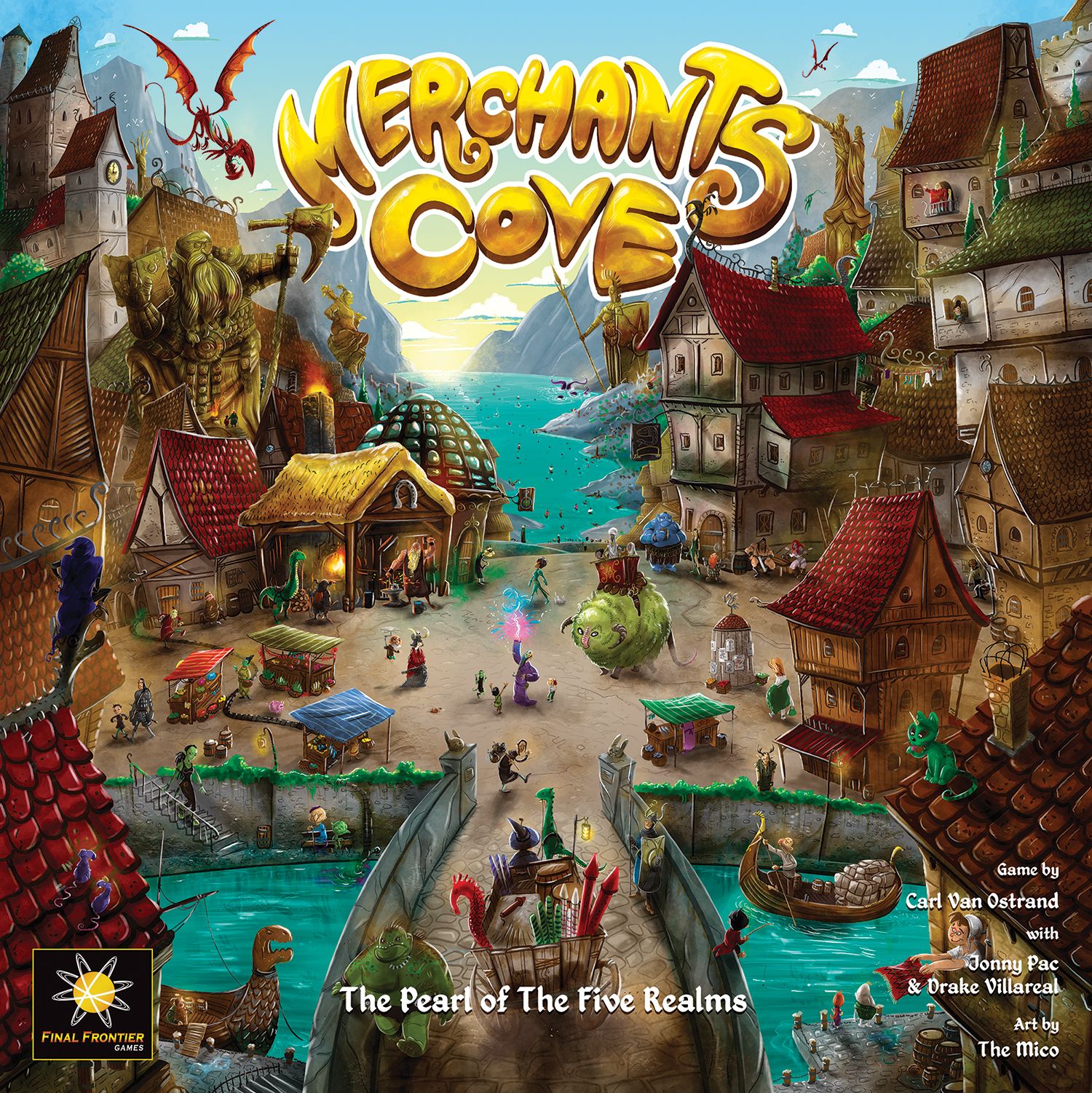
How to Play Merchants Cove: Master Craft
Final Frontier Games, Fabrika Igr, Galakta · Board game · 2025What do you want to do now
Ask anything about Merchants Cove: Master Craft: rules, setup, components, complexity, price, or whether it fits your group.
Video: How to Play
Start here, then follow the written guide
Step by step
Objective of the Game
Merchants Cove: Master Craft is an expansion that introduces new merchants, modules, and gameplay features to the base game. While the core objective of the base game (selling goods, earning gold, and becoming the most renowned merchant) remains, this expansion adds layers of strategic depth through new ways to gain rewards, interact with adventurers, and manage your staff. Players are trying to utilize their Assistants at the Faction Festival, rescue Adventurers from Beasts of the Bay, and strategically use new Paladin mechanics and various module effects to enhance their merchant operations and ultimately achieve victory.
Preparation (Setup)
To set up Merchants Cove: Master Craft, follow these steps:
- Place the Faction Festival board below the main board.
- Place the Festival Start tile below the clock. Then, each player places their 3 Assistants of their color onto the Festival Start tile.
- Place the Honor, Paladin Good, Display Case, Advertisement, and Enchantment tokens nearby.
- Place the Paladin Faction Hall tile on its designated position on the main board. It goes on the usual space of the Townsfolk cards.
- Place the Townsfolk deck face up onto the leftmost Townsfolk space in the Town Square.
- Place a random (or chosen) Paladin card face up above the Rogue card.
- Remove 1 Customer of each color from the Adventurer bag and return them to the box.
- Place 3 Paladins onto the Paladin Faction Hall, and place the other 4 into the Adventurer bag.
5th Staff Action Module Setup:
- As a group, decide which side of the 5th Staff Action tile to use.
- Each player places their 5th Staff Action tile face up on the selected side, on either side of their Staff board.
Part-Time Staff Module Setup (Before first use):
- Each player is given a Part-time Staff tile, with the gold side face up.
- Each player places that tile next to the bottom left corner of their Staff board.
Beasts of the Bay Module Setup:
- Create a deck of 3 Beast of the Bay cards, each showing one of these icons: I, II, III.
- Place them into a face-up stack on Dragon Island with III on the bottom and I on the top.
Flow of the Game
The game progresses through various phases, including the Arrival Phase, Production Phase, and Market Phase, with new elements introduced by the expansion.
Faction Festival Gameplay
The Faction Festival board is composed of 6 different colored tracks, containing 7 Track spaces each. Most Track spaces show a reward, which can be gained when you recall an Assistant from that space.
- Advancing Assistants: Each time you move your Timepiece 1 or more spaces on the Clock, you may additionally move your Assistants the same number of spaces on the colored tracks. You may divide the movement between multiple Assistants, or use all of it on a single Assistant.
- Honor spaces: On your turn or during the Market Phase, if you have an Assistant on an Honor space, you may spend 1 Honor token to advance them 1 or 2 spaces on their track.
- Gaining rewards: At any point during your turn (before moving your Timepiece on the Clock) or during the Market Phase, you may gain reward from a space occupied by one of your Assistants. If you do, recall them to their starting position.
- Final space: If you arrive on the final space of a given track, you receive an immediate reward as shown on the right of the crossed signpost. It allows you to gain any 1 previous reward when you recall that Assistant.
Beasts of the Bay Module
Arrival Phase
- Draw Adventurers from the bag and place 1 of them on each of the 4 sections of the Beast of the Bay card.
- The Beast follows the Arrival rule of the current Rogue card. If it allows Rogues to be placed on Boats during the Arrival phase, Rogues may also be placed onto the Beast. If not, then Rogues cannot be placed onto the Beast.
Production Phase
During your turn, you may send your Merchant figure to the Beast of the Bay card in order to take the Rescue Adventurer action that is printed there. Any number of Merchants can occupy the Beast of the Bay card at the same time.
Cleanup
Return any Adventurers remaining on the Beast of the Bay card or on the Clock to the bag, and remove the top Beast of the Bay card from the game. Merchant figures that were placed there remain on the same spot, on the new Beast of the Bay card.
Actions and How to Play
This expansion introduces several new actions and ways to interact with the game:
Advancing Assistants
When you move your Timepiece on the Clock, you can also move your Assistants on the Faction Festival tracks. You can split this movement among multiple Assistants or use it all on one.
Gaining Rewards (Faction Festival)
At any point during your turn (before moving your Timepiece) or during the Market Phase, you can gain a reward from a Track space occupied by one of your Assistants. After gaining the reward, recall that Assistant to the Festival Start tile.
Honor Spaces
On your turn or during the Market Phase, if an Assistant is on an Honor space, you can spend 1 Honor token to advance them 1 or 2 spaces on their track.
Paladin Cards
One Paladin card is placed above the Rogue card, providing additional effects for Paladin meeples. If you cause a Boat containing a Paladin to dock at a Pier, you receive the reward indicated on the card. If a Paladin is sent to the Paladin Faction Hall, all players receive the indicated reward (starting with the current player and resolving in turn order). Resolving these rewards is not compulsory.
- Oath of Honor: Gain 1 Honor token.
- Oath of Vengeance: Discard a Corruption card of your choice, framing the other players.
- Oath of Wisdom: Advance an Assistant 1 space on a Faction Festival track.
- Oath of Hard Labor: Remove any 1 Good from your Sale Shelf, and place 1 Paladin Good onto your Sale Shelf.
- Oath of Glory: Activate any 1 Staff ability.
- Oath of Assistance: Immediately recruit a Townsfolk, do not gain their ability, then refill the Town Square as usual.
- Oath of Exaltation: Gain immediate Sponsorship from the Paladin Faction Hall.
- Oath of Virtue: Spend 1 Honor token and discard 3 Corruption cards of your choice.
Paladin Adventurers and Paladin Faction Hall
Paladins are a new type of Adventurer. During the Market Phase, when selling Goods at a Pier with one or more Paladins, select an Adventurer color and treat all Paladins at that Pier as having that color. This increases your scoring multiplier. Each player makes this decision independently when selling Goods, and each time a Pier contains a Paladin. The Paladin Faction Hall functions like other Faction Halls for Sponsorship and Adventurer entry.
Honor Tokens
- Gaining Honor: Any time you receive the Honor icon, gain 1 Honor token from the supply. If a player is able to discard a Corruption card but has none, they instead take 1 Honor token for each card they couldn't discard.
- Spending Honor: At any time during your turn, you may discard an Honor token to discard a Corruption card. Honor tokens may also be discarded at certain "Honor spaces" on the Faction Festival tracks to advance 1 or 2 spaces.
Paladin Goods
Paladin Goods count as both small and large Goods, and may be sold at any Pier. They have a base value of 2 Gold. When selling one, decide which type of Adventurer at the chosen Pier to treat as a multiplier for it.
Advertisement Tokens
When you gain an Advertisement, select any remaining Advertisement token and place it near your board. You gain Market Phase Sponsorship for all Advertisement tokens in your supply. You can have multiple Advertisement tokens of a single type.
Activate 2 Staff Effect
Select 2 Staff actions that have recruited Townsfolk cards on them, and perform them in the order you want.
5th Staff Action Module Gameplay
Townsfolk can be recruited onto these spaces like normal Staff spaces. Townsfolk recruited to these spaces allow you to use the printed abilities when taking an Activate Staff action.
- Side A: Advance one of your Assistants 1 space on any Faction Festival track.
- Side B: Gain Sponsorship from the Faction icons of the Staff in this space. You do not lose Gold for Rogue icons. Then, you may move the Townsfolk from this Staff space onto a different empty Staff space. You can immediately use the Staff ability of the new space it is in, if you are eligible to do so.
Enchantment Tokens
After gaining an Enchantment, immediately attach it to a Good of any size on your Sale Shelf. The next time that Good is sold, it is worth twice its base value. Return the Enchantment to the supply after having sold the Good.
Frame Effect
Framing is similar to discarding Corruption cards. When you gain this action, select and discard 1 Corruption card from your supply. Then, all other players lose Gold equal to the number of Adventurers in the Lair.
Display Cases
When you gain a Display Case, place it near your Sale Shelf, where it stays until the end of the game. When you would move one or more Good(s) from your supply to your Sale Shelf, and have a Display Case available, you may immediately place one of the produced Goods onto the Display Case. Each Display Case can hold only 1 Good. Goods sold from the top of a Display Cases gain a +2 base value.
Part-Time Staff Module Gameplay
Both sides of the Part-time Staff tile have a new action space where you can move your Merchant figure.
- ACTIVATE 2 STAFF (1 HOUR / 1 HOUR + CORRUPTION): Select 2 Staff actions that have recruited Townsfolk cards on them, and perform them in the order you want.
After first use, each time your Merchant figure leaves the Part-time Staff tile, immediately flip it to its opposite side and place it to the other bottom corner of your Staff board.
Beasts of the Bay Module Actions
Rescue Adventurer (1 Hour)
Select an Adventurer on the Beast of the Bay card and rescue them. To rescue an Adventurer, you must have Faction icons among your Staff matching all of the Faction icons in the quadrant containing the chosen Adventurer. If a Faction icon is shown multiple times, you must have at least that many matching icons. After rescuing an Adventurer, immediately gain the reward shown on the Beast of the Bay card. Then, place that Adventurer onto the Clock, onto the next Adventurer Indicator space your Timepiece is due to cross.
- Nessie: Move a small Good of any color to your Sale Shelf.
- The Sea Dragon: Return an Adventurer on a sailing Boat to the Adventurer bag.
- The Kraken: Select and discard a Corruption card from your supply.
- The Cyclops: Gain 1 Honor token.
- Kfuwu: Send an Adventurer on a sailing Boat to their matching Faction Hall.
Load the Boats - Rescued Adventurers
Any time you pass an Adventurer Indicator, and would draw an Adventurer from the bag to load onto a Boat, you may instead select any Adventurer from the Clock to place, provided that your Timepiece has moved beyond them on the Clock.
Townsfolk Sets
- Apprentices (Faction Festival only): Advance a single Assistant 2 spaces on the depicted track if possible. OR Advance an Assistant 1 space on each depicted track if possible.
- Exemplars (Must use Honor tokens): Gain 1 Honor token. OR Gain 2 Honor tokens.
- Insiders: Move an Adventurer from the indicated Faction Hall onto a Pier of your choice. OR These Insiders immediately gain Market Phase Sponsorship, instead of only during Final Scoring.
- Lawyers: Frame 1. Discard 1 Corruption card, all other players immediately lose Gold equal to the number of Adventurers in the Lair. OR Frame 2. Discard 2 Corruption cards, all other players immediately lose Gold equal to the number of Adventurers in the Lair, twice.
End of Game and Scoring
Consulte o manual para detalhes sobre esta seção.
Tips for Winning
- Strategically manage your Assistants on the Faction Festival tracks to gain timely rewards. Prioritize reaching Honor spaces or final spaces for immediate benefits or flexible reward choices.
- Pay close attention to the active Paladin card and the rewards it offers. Causing Paladins to dock or sending them to the Paladin Faction Hall can provide significant advantages, including Honor tokens, Paladin Goods, or Staff ability activations.
- When playing with the Beasts of the Bay module, consider the cost and reward of rescuing Adventurers. Matching Faction icons with your Staff is crucial, and the ability to place rescued Adventurers directly onto the Clock can be a powerful tool for controlling Boat loading.
Rules manual
Official PDF file
Frequently Asked Questions
Quick answers about the rules
What is the objective of Merchants Cove: Master Craft?
How do you set up Merchants Cove: Master Craft?
How do you play Merchants Cove: Master Craft?
How does Merchants Cove: Master Craft end, and how do you score?
What are some tips for winning Merchants Cove: Master Craft?
Expansion for
Published additional content