
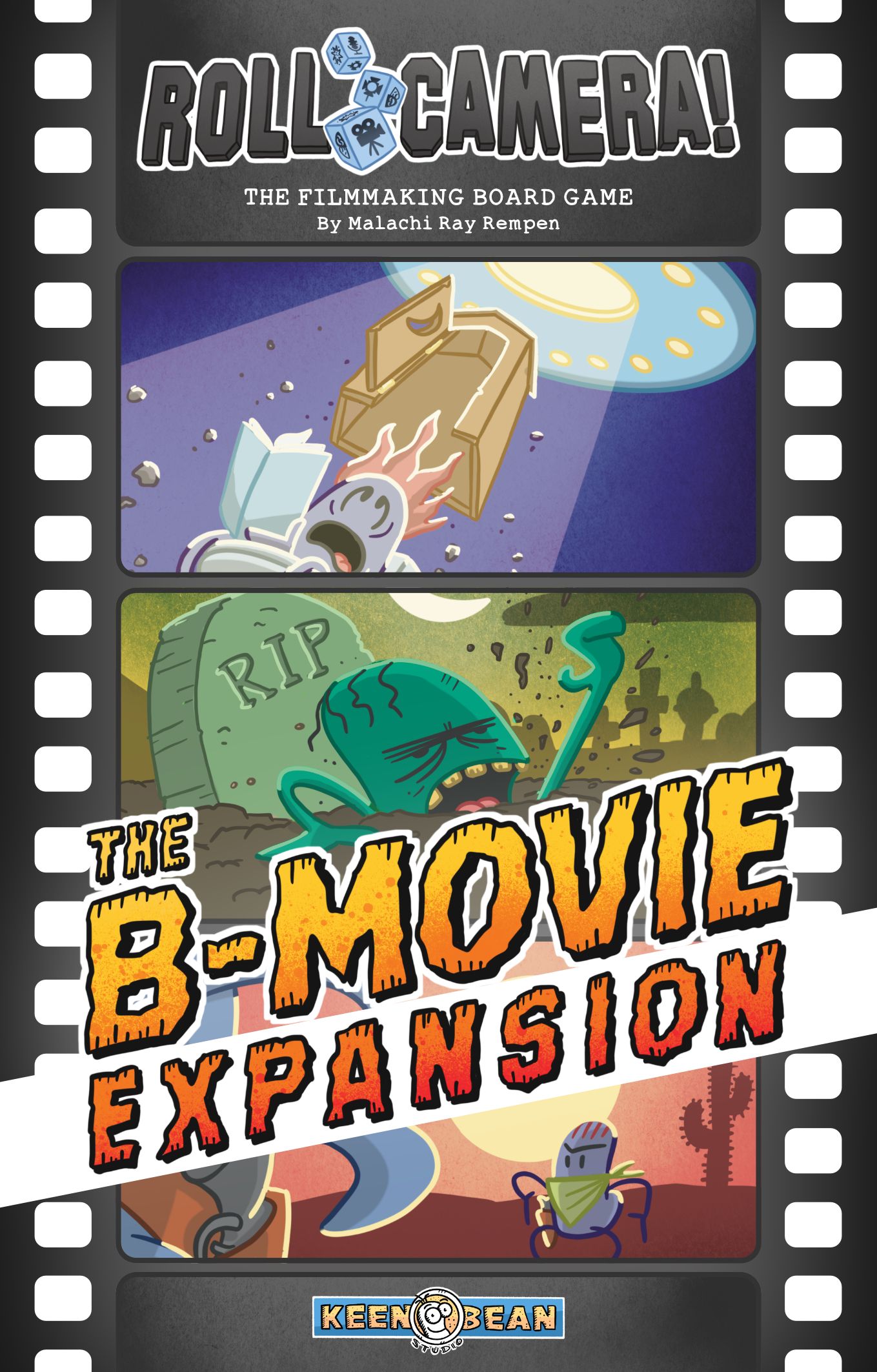
How to Play Roll Camera!: The B-Movie Expansion
Keen Bean Studio, Kobold Spieleverlag, Lord of Boards · Board game · 2022What do you want to do now
Ask anything about Roll Camera!: The B-Movie Expansion: rules, setup, components, complexity, price, or whether it fits your group.
Video: How to Play
Start here, then follow the written guide
Step by step
Objective of the Game
Your goal is to successfully shoot 5 Scenes and ensure your Quality marker is outside of the red zone by the end of the game. In The B-Movie Expansion, there is one critical addition: you must satisfy the specific genre requirements of the new middle Script. If you fail to have the required Genre tokens in the Editing Room at the end of the game, you lose.
Setup
Perform the standard setup from the base game with the following modifications:
- Player Boards: You may choose or randomly assign player boards from the base game, this expansion, or a mix. Ensure you have the correct Player Aid card.
- Genre Tokens: Place the Genre tokens in the supply to the left of the game board near the Storyboard.
- Decks: Shuffle the new Problem and Idea cards into their respective decks. For the Scene deck, shuffle all base and expansion cards together, randomly select 25, and return the rest to the box. Place the deck on the top Storyboard space. Draw two Scenes; if any show an "Any Genre" icon, shuffle and redraw until no such icons are visible. Place matching Genre tokens from the supply onto the revealed Scene cards.
- Middle Script: Shuffle the middle Script cards and randomly select five to form the middle Script deck. Place this deck face up between the top and bottom Script decks.
- Action Tiles: Place the Swap/Add Genre tile and Wipe Storyboard tile on any empty areas of the main game board.
- Equipment Cards: Shuffle the Equipment cards, randomly select three to place face up near the board, and return the rest to the box.
Game Flow
The game follows the structure of the base game. The middle Script now functions as a third Script half. Any game effect referring to a single Script half allows you to choose between the top, middle, or bottom deck. Effects referring to both Script halves apply to all three decks. You must manage your Budget and Schedule throughout the game; running out of either results in an immediate loss.
Actions and How to Play
In addition to base game actions, you have access to new main board actions:
- Swap Genre / Add Genre: Choose to pay $1 to swap a Genre token on any of the three Storyboard Scene cards with one from the supply, OR add a Genre token to a Scene card (up to a maximum of 2 tokens per card).
- Wipe Storyboard: Discard all three Scenes in the Storyboard to the bottom of the Storyboard deck. Any Genre tokens on these cards return to the supply. You cannot perform this action if any Scene cards have a Blocked token on them.
Equipment Cards: These are powerful, single-use cards. They can be used during the "Assign the Crew dice and take actions" step. Each requires specific Crew dice. Once used, flip the card face down for the remainder of the game.
Multi-color Scene Cards: These count as either of their colors. At the end of the game, you must designate each as a single color for scoring purposes.
End of Game and Scoring
The game ends when the Editing Room is filled with five Scenes. You win if:
- The Quality marker is outside of the red zone.
- You have fulfilled the middle Script genre requirements.
Genre requirements are checked as follows: for each Genre icon on the middle Script, you must have at least that many matching Genre tokens in the Editing Room. If a Genre icon is covered by a 🚫 symbol, you must have zero of that Genre token in the Editing Room. If these conditions are not met, or if you run out of Budget or Schedule, you lose.
Tips for Winning
- Manage your tokens: Remember that Genre tokens move with the Scene card when it is shot and moved to the Editing Room. Plan your shots to ensure the right tokens end up in the Editing Room to satisfy the middle Script.
- Use Equipment wisely: Since Equipment cards are single-use and powerful, coordinate with your team to use them at the most impactful moments during the "Assign the Crew dice and take actions" step.
- Watch the limits: Each Scene card can hold a maximum of 2 Genre tokens. Keep this in mind when using the Swap/Add Genre action to avoid wasting resources.
Rules manual
Official PDF file
Frequently Asked Questions
Quick answers about the rules
