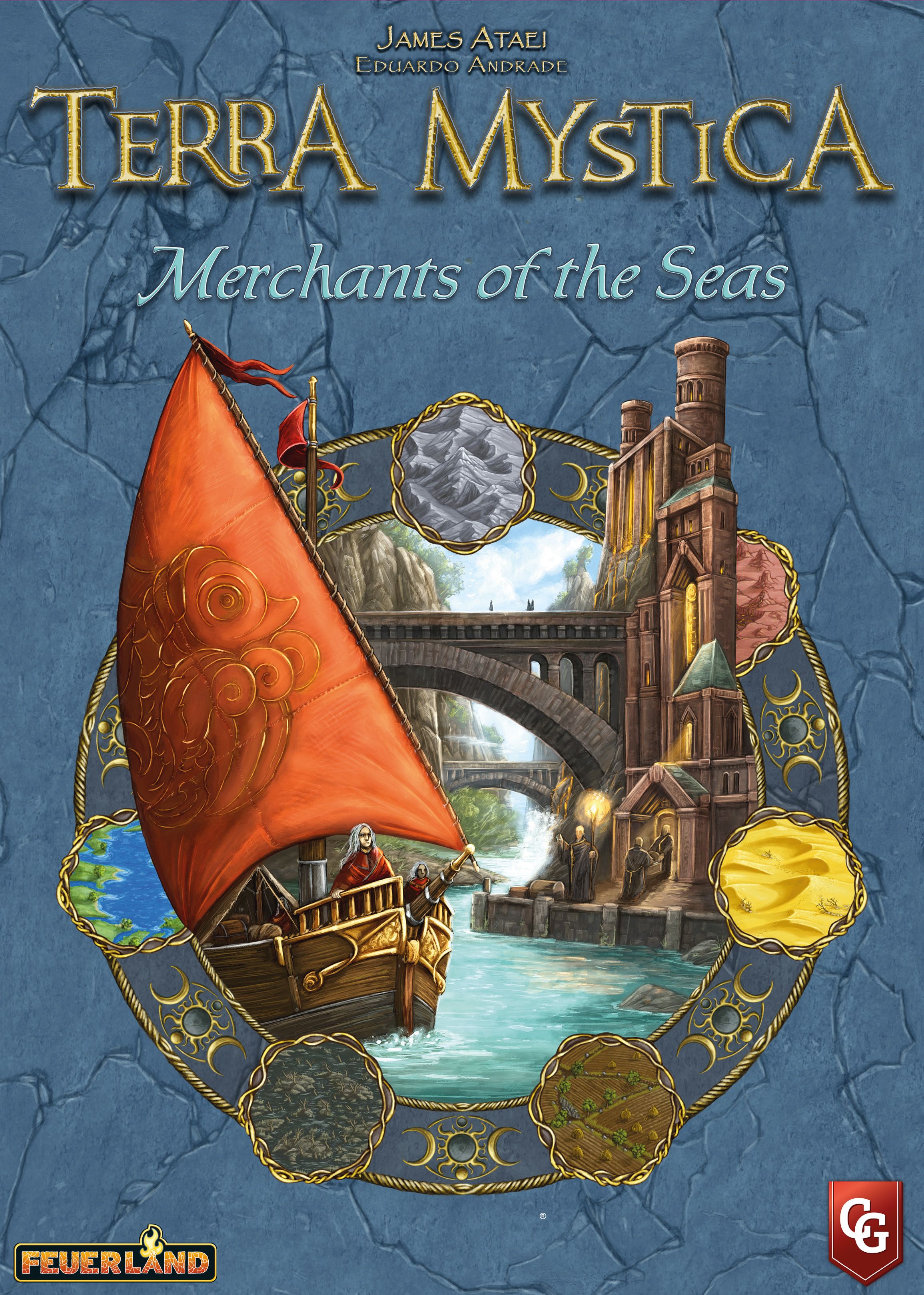
How to Play Terra Mystica: Merchants of the Seas
Feuerland Spiele, Bard Centrum Gier, Capstone Games · Board game · 2019What do you want to do now
Ask anything about Terra Mystica: Merchants of the Seas: rules, setup, components, complexity, price, or whether it fits your group.
Step by step
Objective of the Game
In Terra Mystica: Merchants of the Seas, a new era of trade and expansion dawns upon the world of Terra Mystica. Factions are building shipyards and launching ships on rivers to reap the benefits of commerce. Even factions not naturally inclined to sailing, like the Fakirs and Dwarves, send out their merchants to seek fortunes on land. Players are trying to adapt to this changing world, leveraging new abilities and dynamic faction balancing to create an exciting new experience. The ultimate goal is to accumulate the most Victory points by the end of the game.
Preparation (Setup)
Set up the game as normal, with the following changes:
- Place the new Power actions board below the game board.
- For each Cult, add a stack of new Favor tiles below the corresponding existing Favor tiles.
- Place the new Town tiles with the existing Town tiles.
- Before drawing the initial Bonus cards, return the Bonus card providing 4 Victory points when passing with Stronghold and/or Sanctuary to the game box. Replace it with the new Bonus card that has the same effect but also includes the Shipyard. Shuffle the new Bonus cards with the other Bonus cards, then draw Bonus cards as normal.
- Return the base game Round Scoring tiles to the game box. Shuffle the new Round Scoring tiles together and place 6 tiles on the boards, as normal. A Scoring tile depicting a Spade on its left side cannot be placed on spaces 5 or 6. If you draw 3 tiles, not including the round 6 tile, with Cult Bonuses for the same Cult, set aside the last of those tiles you drew and draw another Round Scoring tile to replace it.
- If you are playing with Final Scoring tiles from Fire & Ice, shuffle the new Final Scoring tile together with the existing tiles before drawing. You do not need to play with Final Scoring tiles to use this expansion.
- If you have the 2 Town tiles that add 1 to Shipping from the Terra Mystica mini expansion, do not use those tiles when playing with this expansion. There should be a total of 2 of those Town tiles in the game, not 3. All other elements in the mini expansion can be used.
- Based on the map you use, place 1 or more Canals on the Game board:
- For the Base game map (or the Revised base map from Fire & Ice), place 1 Canal on the western half of the board to connect the upper and lower arm of the river.
- For the Fire & Ice map, place 1 Canal in the middle of the northern half of the board to connect the two rivers.
- For the new Fjords map, place 1 Canal on the mountain peninsula on the western half of the board.
- For the new Lakes map, place all 7 Canals.
- After choosing your faction, take these additional components:
- Your faction’s Shipyard board. Place it to the left of your Faction board.
- 1 Shipyard Structure in your faction color. Place it on the corresponding space on your Shipyard board.
- 3 Ships in your faction color. Place your Ships in your supply with your Priests and Bridges.
- 15 Trade markers in your faction color.
- 1 Shipping Overview tile.
- 1 Dock marker.
- Immediately after all factions have placed their initial Dwellings, before choosing Bonus cards, each player places their new Dock marker. Beginning with the Starting player and proceeding in turn order, place your Dock marker under one of your riverside Dwellings, Dock side faceup. A riverside Dwelling is one directly adjacent to at least 1 River space. If none of your Dwellings are directly adjacent to a River space, do not place the Dock marker at this time and set it aside. You must immediately place your Dock marker under the first riverside Dwelling you build during the game. You need your Dock or your Shipyard on the board to obtain Ships.
- For Fakirs and Dwarves:
- Take 3 Merchants in your faction color instead of 3 Ships.
- Take a Range tile. Place it on your Faction board, on top of where the Shipping track would be.
- Place one of your Markers on the leftmost space, showing "1", on the top track of your Range tile.
- Place your Storehouse marker (reverse side of the Dock marker) under any of your starting Dwellings; it does not need to be a riverside Dwelling.
- When playing on the new maps (Lakes and Fjords), use the corresponding Victory point table in Appendix VIII to set each faction’s starting Victory points, instead of starting all factions at 20 Victory points. Do not use these Victory point tables when playing with the optional Factions for Auction rules from Fire & Ice.
Fluxo do Jogo
Consulte o manual para detalhes sobre esta seção.
Ações e Como Jogar
Ships
Ships are new pieces that can be used in three different ways, as shown on your Shipping Overview tile:
- Trade: Move a Ship onto a space with another faction’s Structure. Trading gives you Victory points and other rewards, but also gives the other player the opportunity to gain Power. You can trade with each individual Structure only once, even if that Structure is later upgraded.
- Transform and Build: You can transform and build on spaces directly adjacent to one or more of your Ships, even if they are beyond your Shipping value.
- Build Dwelling: When building a Dwelling on a space adjacent to a Ship, you can remove that Ship instead of paying the cost to build that Dwelling.
Obtaining Ships
You can obtain Ships A) as Income, B) from Power or Special actions, or C) as one-time rewards. When you obtain a Ship, place it on a River space directly adjacent to a space with your Dock marker or your Shipyard. If you do not have your Dock marker or Shipyard in play, you cannot obtain Ships.
A River space can hold any number of Ships from any number of players. You can never have more than 3 Ships on the game board, and you cannot obtain new Ships if you already have all 3 of your Ships on the board. When you would obtain a Ship, you cannot move or remove a Ship from the board in order to place it elsewhere.
Moving Ships (Special Action)
You can take this Special action to move all of your Ships, positioning them to expand your influence and moving them onto other players’ Structures to trade with them. Each of your Ships can move a number of spaces up to your current Shipping value. Additionally, each time you take this action, for each of your Ships on the board, you can spend 1 Power to move that Ship 1 additional space.
A Ship can move:
- Onto a directly adjacent River space.
- Through an adjacent canal onto the River space on the other side of the canal.
- Onto a Terrain space with a Structure of another faction that does not already have one of your trade markers or one or more of your Ships on it. Place the Ship on top of the Structure on that space. After moving onto a Terrain space, the movement of that Ship ends and it cannot move further.
The trade with that Structure is resolved after all of your Ships have moved. You cannot move two Ships onto the same Structure.
The Special action to move Ships on your Shipyard board is available to use from the beginning of the game. You do not need to build the Shipyard in order to use it.
Although Ships can move through Canals, you cannot use Canals for indirect adjacency using your Shipping value.
Using Ships to Trade
After moving one of your Ships onto a Structure belonging to another faction that does not have one of your trade markers, a trade occurs. You receive a reward for the trade, based on the type of Structure you trade with, as shown on your Shipping Overview.
Each reward gives you Victory points, plus an additional reward. If the additional rewards are separated by a slash, you can choose only one of those rewards. If the additional rewards are separated by a “+”, you receive all of these rewards.
The owner of the Structure you traded with can gain Power equal to the power value of that Structure, but they must lose a number of Victory points equal to 1 fewer than the number of Power gained (in the same way as gaining Power for a build or upgrade action). The owner can choose not to pay any Victory points, and not gain any Power. Even if they decide not to gain Power, you still receive your trade rewards. If multiple trades occur after moving your Ships, resolve the trades in the order of your choice.
After resolving trades, place one of your trade markers under each Structure you traded with, then return each Ship that traded to your supply. Each faction has 15 trade markers, meaning you can trade with a maximum of 15 Structures. Once a marker is placed on the board, it cannot be moved. If you do not have any trade markers remaining, you cannot move a Ship onto a Terrain space for the rest of the game. Each Structure can trade with each other faction, so there can be trade markers from multiple factions underneath the same Structure. Place the trade markers such that all the colors are visible. If a Structure is upgraded, any trade markers that were underneath the original Structure remain under the upgraded Structure.
Using Ships to Transform and Build
If your Ship is on a River space, all Terrain spaces directly adjacent to it count as being indirectly adjacent to one of your Structures for the purposes of building a Dwelling. Thus, when you can transform and build on a Terrain space during the action phase of a round (Phase II), you can choose a Terrain space adjacent to one of your Ships. The Ship does not move.
Whenever you build a Dwelling on a Terrain space directly adjacent to one of your Ships on a River space, you can return that Ship to your supply instead of paying the building cost.
If you get a Spade as a Cult bonus during Phase III, you can also use that Spade on a Terrain space adjacent to one of your Ships. You still cannot build a Dwelling there during that Phase.
The Shipyard
When you take the “Upgrading a Structure” action, you can upgrade one of your Trading houses on a riverside space to your Shipyard. You can upgrade a Trading house with a Dock marker. The Shipyard has a Power value of 3, the same as the Stronghold and the Sanctuary. Because you can only place new Ships adjacent to your Dock or your Shipyard, it is preferable to build the Shipyard in a location far away from your Dock, so that your Ships can cover a wider area of the board.
As a reward for upgrading one of your Trading houses to the Shipyard, you receive one or more one-time rewards, as shown underneath the Shipyard space on your Shipping board. One of the rewards for most factions is a one-time reward of obtaining 1 Ship. You must place this Ship directly adjacent to your Shipyard. Additionally, you receive an income of 1 Ship starting next round. After building your Shipyard, you can place Ships you obtain directly adjacent to either your Dock or your Shipyard.
After upgrading to your Shipyard, you also gain access to the new “Build Ship” Special action. This Special action allows you to obtain 1 Ship from your supply for the shown costs. You cannot use this Special action until you have upgraded one of your Trading houses to your Shipyard.
New Power Actions
- By moving 4 Power tokens from Bowl III to Bowl I, you can move any number of your Ships. This action follows the same rules as the action on your Shipyard board.
- By moving 4 Power tokens from Bowl III to Bowl I, you can obtain 1 Ship.
- By moving 5 Power tokens from Bowl III to Bowl I and returning 1 Priest to your supply, you can take 1 Favor tile, following the rules for taking a Favor tile when building a sacred Structure. This does not count as building a sacred Structure, so the Chaos Magicians take only 1 Favor Tile when using this Power action, not 2.
New Favor Tiles
After adding the new Favor tiles in the expansion, each Cult will have 2 Favor tiles each giving 1 influence in that Cult. For each Cult, you can obtain only 1 influence tile that gives 1 influence in that Cult. If you have already obtained a Favor tile that gives you 1 influence in a Cult, you cannot obtain the other Favor tile that gives 1 influence from the same Cult. In a 4- or 5-player game, each faction now has the opportunity to obtain a Favor tile that gives 1 influence in each Cult.
New Favor tiles offer:
- Immediately receive a one-time bonus of your choice: either advance your Shipping value by 1 and take 1 Worker, or send 1 Priest from your supply to the Order of a Cult and receive 4 Coins. You can choose not to place a Priest from your supply and advance only 1 space in the Cult of your choice instead.
- In Phase I “Income,” obtain 1 Ship.
- When you trade with a Dwelling, Trading house, or Temple, immediately get 1 additional Victory point. When you trade with a Stronghold, Sanctuary, or Shipyard, immediately get 2 additional Victory points.
- When you pass, immediately get 2/3/4/5 Victory points for 1–3/4–6/7–9/10+ total Trade markers you placed on the Game board.
New Scoring Tiles
- Action phase: Get 2 additional Victory points for each trade you resolve.
- Action phase: Get 2 additional Victory points for each advancement on either your Shipping or Exchange track. This also applies to Fakirs and Dwarves for each advancement on their Range tile.
- Action phase: Get 5 additional Victory points when building your Stronghold, Sanctuary or Shipyard.
Rules manual
Official PDF file
Frequently Asked Questions
Quick answers about the rules
What is the objective of Terra Mystica: Merchants of the Seas?
How do you set up Terra Mystica: Merchants of the Seas?
How do you play Terra Mystica: Merchants of the Seas?
Expansion for
Published additional content