
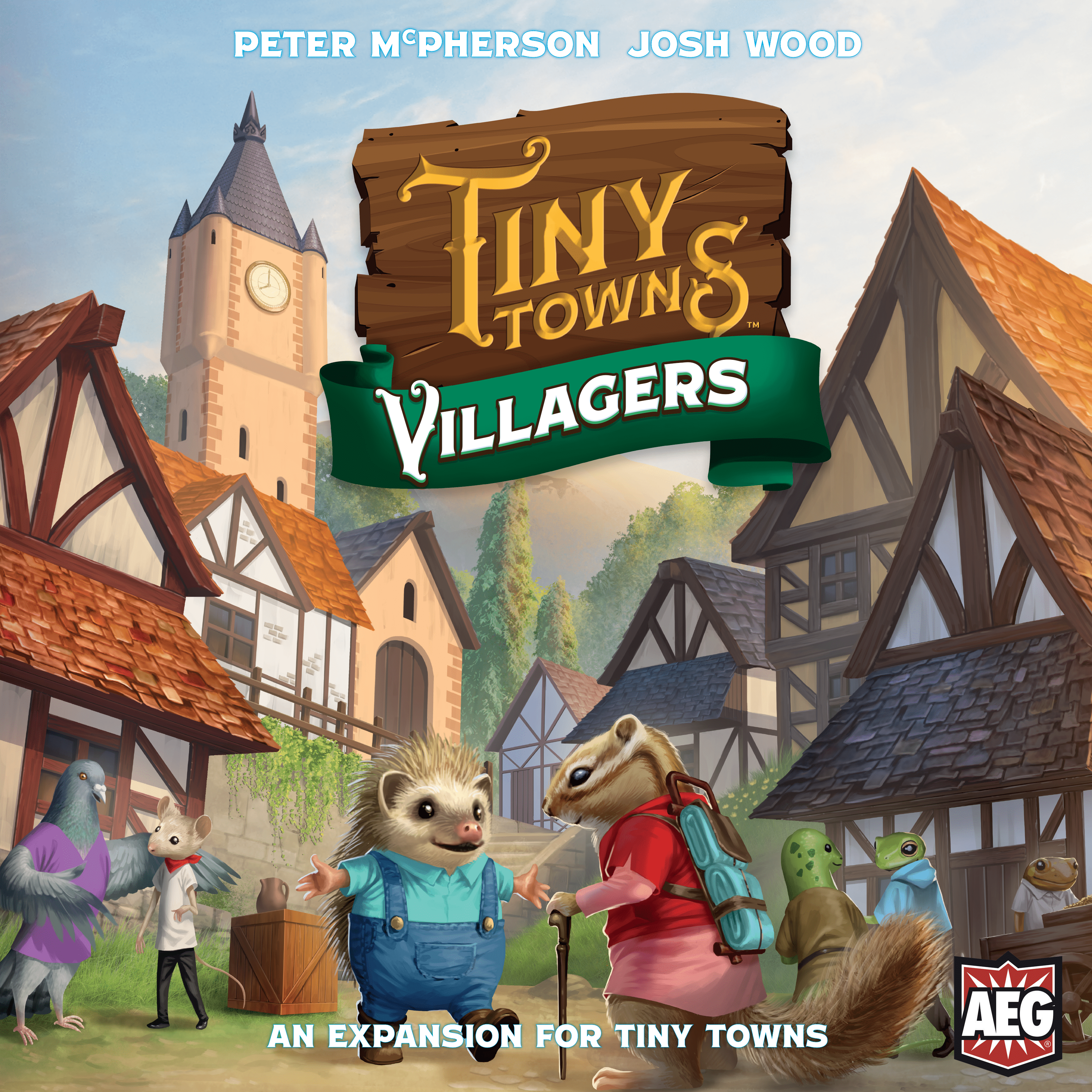
How to Play Tiny Towns: Villagers
Alderac Entertainment Group, GaGa Games, White Goblin Games · Board game · 2020What do you want to do now
Ask anything about Tiny Towns: Villagers: rules, setup, components, complexity, price, or whether it fits your group.
Step by step
Objective of the Game
In Tiny Towns: Villagers™, word has spread far and wide of a thriving little civilization in the forest. Creatures with incredible talents—from engineers to merchants—have come to visit these towns and decide where they will make their new homes. They offer the most astute town mayors their skills, which can transform buildings, control the influx of resources, and perform impressive architectural feats. The world of Tiny Towns is getting a bit bigger!
The Villager cards detail the special abilities that villagers offer to players to maximize their scores. To activate those abilities, villagers must be working in buildings on a player’s board.
Preparation (Setup)
- Give each player a Lodge board, which they should place beside their player board from the base game.
- Give each player 3 villager meeples. (It does not matter what animal they represent.)
- Players should place each villager meeple in a different corner square of their player board.
- Sort the new Building and Monument cards by the symbols on the back and shuffle them into the setup piles of cards from the base game.
- Separate the Villager cards that have a cost of 1 from the cards that have a cost of 2 or more. Shuffle the 2 piles face-down. Draw 1 card from each pile and place the 2 cards face-up in the middle of the table so that all players can see them. (Note: Do not use the card titled Solicit unless you are also playing with the Tiny Towns: Fortune™ expansion.)
- Place the remaining Villager cards back into the box—they will not be used for this game.
- Follow the normal Tiny Towns™ setup rules.
Fluxo do Jogo
Round Overview
- The Master Builder names a type of resource.
- All players must take this resource and place it in an empty square or square containing a villager in their town grid OR activate a villager ability that prevents them from placing this resource.
- Players may construct any buildings for which they have the matching resources in the correct shape.
- Once all players have placed their resources, constructed buildings, and activated any villager abilities, the round has ended.
- Any villagers that occupy the same square as a resource cube must move to an orthogonally adjacent empty square, if possible. Otherwise, they are placed on the player’s Lodge board.
- Cleanup: Each villager on a player’s Lodge board must be placed in an empty square in the player’s town grid, if possible.
- A new round begins. The Master Builder token passes to the player on the left.
Ações e Como Jogar
Villager Placement and Movement
A villager cannot occupy the same square as a resource at the end of a round. When a player places a resource on the same square as a villager, 3 situations can occur:
- If the resource is not used to construct a building that round, the villager must move at the end of the round to an orthogonally adjacent empty square. If there is no such empty square, the villager is placed on the player’s Lodge board.
- If the resource is used to construct a building, but the player chooses to place that building on a different square from the villager, then that villager does not move.
- If the resource is used to construct a building, and the player chooses to place that building on the same square as the villager, then the villager and the building occupy the same square. That villager is now working in that building and can be used for activating abilities.
Following the end of each round, in the Cleanup phase, players must take all villagers on their Lodge board and place each of them in an empty square on their player board. If there are not enough empty squares, players should place as many villagers as possible and keep the rest on their Lodge board.
Notes on Villagers:
- A villager must always be placed in or move to an empty square.
- A villager cannot occupy the same square as another villager.
- Villagers can work in monuments.
- If a player must move more than 1 villager at the end of the round, the player chooses in which order to move them.
- Villagers can only work in buildings constructed using resources. Any buildings placed on squares with villagers through monument, building, or villager abilities cause villagers to move as normal at the end of the round to an orthogonally adjacent empty square or to a player’s Lodge board.
- Resources that are placed on buildings such as Warehouse do not cause villagers working in buildings to move.
- Squares that contain villagers but no buildings are considered to be empty for the purposes of building abilities (such as Citadel, Forge, and Travelers’ Center) or villager abilities (such as Forage).
Activating Villager Abilities
Each special ability has a cost of 1, 2, or 3 villagers, as indicated on the Villager card.
To activate an ability, a player must remove a corresponding number of villagers working in buildings on their player board. Those villagers are then placed on the player’s Lodge board.
An ability may be activated at any time following the placement of the resource that round, unless the Villager card states otherwise.
Players may activate any number of abilities per turn and may activate the same ability more than once, if they can pay the costs. However, a player cannot activate more than 1 ability (or the same ability more than once) in constructing a single building. Each ability and its effect on a building’s construction must be fully resolved before activating another ability.
Villager Card Clarifications
- Cooperate: In constructing a building, you may remove resources from any square on your board. The building must be constructed on 1 of these squares.
- Cut Corners: You may not construct the building on the square in the layout of the missing resource.
- Forage: This resource is not considered to be named by a Master Builder and therefore you may not trigger any abilities that refer to this. For this ability, you may place a resource in a square that has a villager but not a building. If the resource is still there at the end of the round, the villager must move as normal.
- Innovate: In constructing a building, you do not have to use resources matching the colors on the Building card. However, the resources you use must be of different colors (no 2 resources of the same color) and must correspond to the shape of the building layout.
- Renovate: If replacing a building with a villager working in it, that villager will remain working in the new building.
- Scrap: If you scrap a resource, you cannot trigger any abilities referring to resources named by other players as Master Builder. If playing Town Hall, this ability allows players not to place the resource drawn by the Mayor. If playing the Solo Variant, this ability allows the player not to place any of the 3 cards revealed. The player should choose 1 of the cards and place it on the bottom of the draw pile.
- Solicit: Only play with this card if playing with the Tiny Towns: Fortune™ expansion.
Tiny Tears Mode
This mode is only for the most experienced Tiny Towns™ players seeking the ultimate challenge! In Tiny Tears, villagers do not grant abilities. Instead, they help you place resources on your board. Tiny Tears can be used in regular Master Builder play or with Town Hall or the Solo Variant.
Setup (Tiny Tears)
Give each player 3 villager meeples and a Lodge board, as normal. However, players should strategically place their villagers in any 3 different squares on their player board.
Gameplay (Tiny Tears)
When a resource is named, it must be placed in a square containing a villager on each player’s board. Building construction works as normal. Note: Resources named by other players may also be placed on buildings that allow such placement, such as Warehouse, Outhouse, and Blacksmith.
Once all players have placed resources in squares containing villagers, each player must remove any villagers in the same square as resources and place them on their Lodge board. After all players have had an opportunity to construct buildings, each player must place any villagers on their Lodge board in an empty square on their player board, if possible. A villager cannot occupy the same square as another villager. If there are not enough empty squares, the player may place the extra villagers on their Lodge board and try to place them at the end of the following round.
If a player does not want to place a resource in 1 of the squares containing a villager, they may instead choose to discard a villager to the box for the rest of the game and place the resource in any empty square. A player may not choose to do this if they only have 1 villager remaining.
When a player places a resource on their board due to any building ability (such as Warehouse or Northern Semaphore), they must place it in a square with a villager.
Fim de Jogo e Pontuação
The game ends per normal Tiny Towns™ rules. Squares that contain villagers but no buildings are considered to be empty for the purpose of scoring. Town Hall rules work as normal when playing Tiny Towns: Villagers™. The Solo variant rules work as normal when playing Tiny Towns: Villagers™, but the Folly Tower card should be removed.
Dicas para Vencer
Consulte o manual para detalhes sobre esta seção.
Rules manual
Official PDF file
Frequently Asked Questions
Quick answers about the rules
What is the objective of Tiny Towns: Villagers?
How do you set up Tiny Towns: Villagers?
How do you play Tiny Towns: Villagers?
How does Tiny Towns: Villagers end, and how do you score?
What are some tips for winning Tiny Towns: Villagers?
Expansion for
Published additional content

