
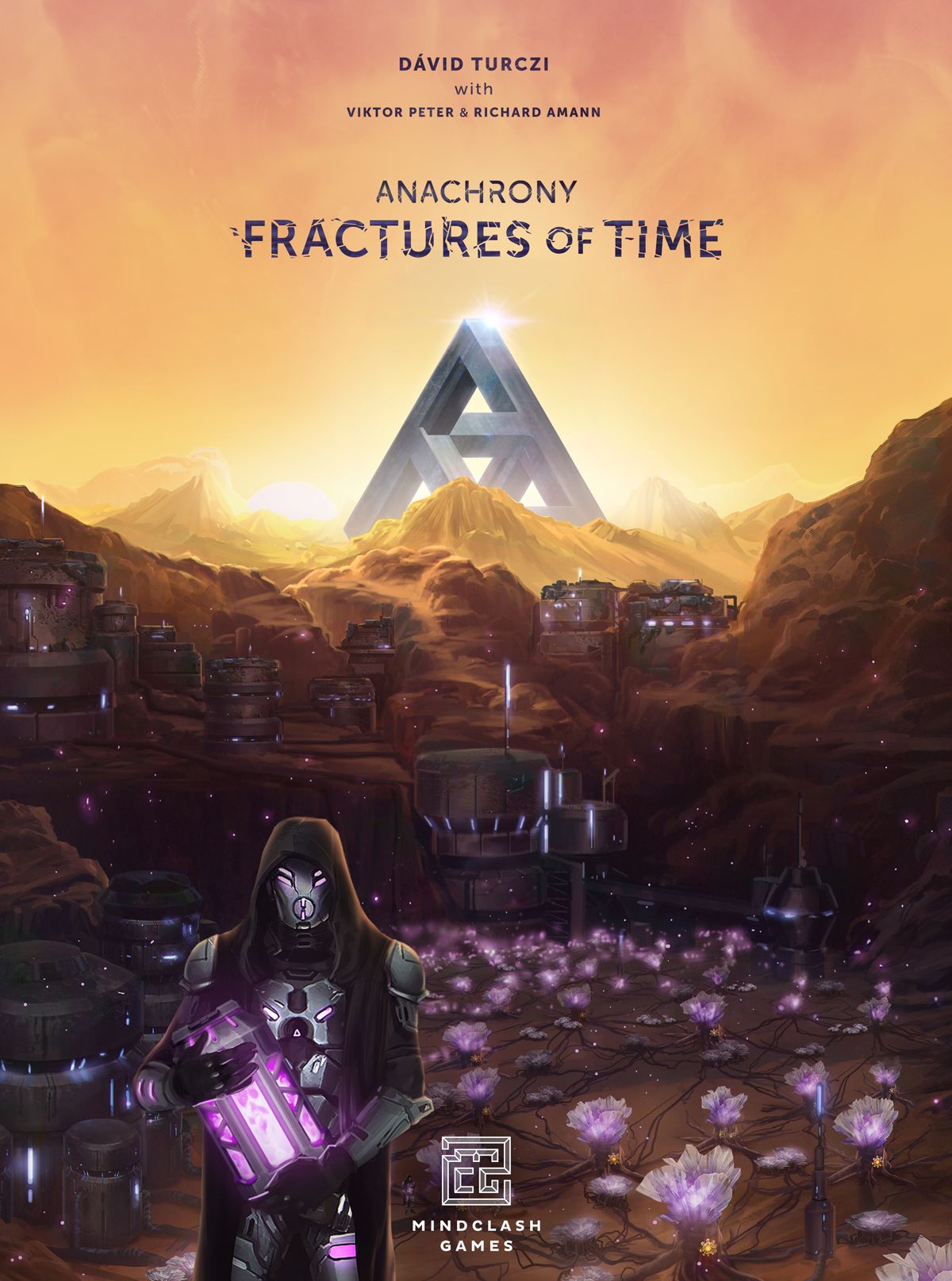
How to Play Anachrony: Fractures of Time
Mindclash Games, Korea Boardgames, Maldito Games · Board game · 2020What do you want to do now
Ask anything about Anachrony: Fractures of Time: rules, setup, components, complexity, price, or whether it fits your group.
Video: How to Play
Start here, then follow the written guide
Step by step
Objective of the Game
In Anachrony: Fractures of Time, players are trying to lead the people of New Earth down a new path: The Path of Unity. The discovery of the Amethynia Valley and its enigmatic Fracture technology allows Exosuits to be present at two locations simultaneously, essentially doubling their efficiency. This extra efficiency is crucial as the Era of mass exodus and the formulation of the Path of Unity has slowed down preparations for the dreaded Impact. Players will collect a new resource called Flux, which is synthesized by crystal formations in the Valley, and utilize Fracture Devices to "Blink" their Exosuits. The game ends when specific Endgame Condition cards are met, and the player with the most Victory Points wins.
Preparation (Setup)
Main Game Setup
- Place the Valley board near the Main board. Use the side corresponding to the player count (cover the top right marked hex space if playing with two players).
- Place an Operator on each of the Operator slots on the left side of the Valley board.
- Create a supply of Flux Core tokens next to the Energy Cores and a supply of Operators next to the rest of the Workers.
- Before setting up the building stacks, replace the following buildings from the original game with the ones provided in the expansion: 215, 301, 302, 303, 304, 313, 314, 403.
- Additionally, shuffle in the new buildings: 116-118, 216-218, 316-318, and 416-418.
- Place the top building tile face up next to the primary building stack, starting the secondary stack.
- Shuffle the Technology cards and place them in a face-up deck near the buildings. This will be the primary deck for obtaining Technologies from the Valley. Then, place the top card face up next to the deck, starting a secondary deck, as was done with the buildings.
- Before setting up the Endgame Condition cards, shuffle in the two new ones. For your first game with the expansion, it is suggested to include the two new ones in the starting five and select the other three randomly.
- Pick a total of six random Superprojects, placing them face down: two from Fractures of Time and four from the base game. Shuffle them together without looking at them.
- Set up the Timeline. There are now only three Eras pre-Impact and two Eras post-Impact, plus an Era Zero (not included in the pre-Impact count, however, it does have a Timeline tile and an associated Superproject).
- Place one face-down Superproject from Step 6 above each Timeline tile. Turn the ones corresponding to Era Zero and Era 1 face up, and place the players’ Focus markers under Era 1.
- Place 3 VPs on the last Era’s Superproject. (If a player builds it, they claim those 3 VPs.)
- Do not place the three Resources on the right side of the Mine Resource Action.
- When you place the new Workers in the Capital, also place an Operator on each of the empty slots in the Valley.
- At Impact, follow these steps to set up the Collapsing Capital tiles:
- Place Collapsing Capital tiles from the base game as described in the base game rulebook, but place them face down.
- Shuffle the 9 new tiles together, and select 2/3/4 of them randomly in a 2/3/4 player game.
- Add these tiles face up on top of the base game tiles, from top to bottom of their respective Action (shown on the back).
- Flip any base game Collapsing Capital tiles that do not have a second tile on top of them face up.
Player Setup
- Each player takes their Path’s Fracture Device board and places it near their Player board.
- Cover its 4 rightmost spaces with the Fracture Device Upgrade tile. Players may choose whether they use the A side or B side—all players must use the same side.
- When playing with the Fracture Device B sides, some Flux spaces may show a Resource/Water/Worker/Flux Core(s). Each player should now place the shown reward on the Flux space; it will be collected when a Flux is placed there for the first time. (If the reward is a Flux Core, place it sideways.)
- With the exception of Unity, each Path loses 1 Energy Core but gains 1 Flux Core and 1 tired Operator Worker. The Path of Unity starts with the resources depicted on its Path board.
- Each player adds the new Warp tile (showing a Flux Core) to their pool of available Warp tiles.
- Each player places 1 Glitch marker on one of the bottom Exosuit spaces of their Player board (this space is therefore unavailable at game start).
- Each player places 1 Glitch marker on the first space of their Fracture Device.
- Each player places the remaining 6 Glitch markers near their Player board.
Variable Anomalies Module Setup
- Leave the base game Anomalies in the box. Shuffle all new Anomalies, and place them in a face-up stack next to the buildings. This will be the primary stack of Anomalies.
- When playing with the Fractures of Time module, place the top tile of the stack next to the primary stack, starting a secondary one, just like you do with the buildings.
- Shuffle the new Endgame Condition into the deck of Condition cards. For your first game with the module, it is suggested to include the new one and selecting the other four randomly.
- Give each player an Anomaly Remover tile, which they place next to their Player boards.
Starting Asset Draft Variant Setup
- Shuffle the four new Asset cards into the deck of base game Asset cards.
- Instead of giving each player the Starting Assets depicted on their Path board, give each player:
- 2 Scientists (Active)
- 1 Engineer (Active)
- 1 Operator (Tired)
- 1 Energy Core
- 1 Flux Core
- 2 Water
Fluxo do Jogo
Era Zero
There is now an Era before the normal start of the game (Era Zero) with its own Timeline tile and an associated revealed Superproject.
At the beginning of the game, before starting the regular round sequence for Era 1, perform a Warp Phase (but no other Phases), placing the Warp tiles on the Era Zero tile. You may not warp an Exosuit during the Era Zero Warp Phase.
Then, proceed with Era 1 as usual, including performing a Preparation Phase (therefore shifting building stacks and the Technology deck and revealing the next Superproject) and a Paradox Phase (which would usually be skipped in the first Era).
Preparation Phase Changes
- When you shift the building stacks, also shift the Technology deck in the same way.
- Do not place Resources into the right side of the Mine Action. (Still refill the left side as usual.)
- When you shift the building stacks, also shift an Anomaly between the primary and secondary stack, just like you do with the buildings (when playing with the Variable Anomalies module).
Paradox Phase Changes
- When gaining an Anomaly (whether in the Paradox Phase or in another Phase), you must choose to receive one of the two visible Anomalies. If multiple players are receiving an Anomaly during the Paradox Phase, the choice is done in turn order, starting from the player closest to (and including) the First Player.
- You do not automatically gain the right to retrieve one pending Warp tile from any Timeline tile for free when gaining an Anomaly. Some Anomalies have “Before Impact” or “After Impact” icons on their sidebar: you may only retrieve a pending Warp tile if the time you gain the Anomaly satisfies this condition. Additionally, one of the Anomalies does not have a “Retrieve Warp tile” icon at all; when gaining this Anomaly, you may never retrieve a Warp tile.
Impact Changes
When a player Blinks away from a Collapsing Capital tile, treat it the same way as if an Exosuit was removed from it during the Clean Up Phase: remove it if it’s on top (and reveal the one underneath), or flip it over and leave it unavailable (if it’s the last one left on the space).
When removing an Exosuit from these new Collapsing Capital tiles, remove the tile instead of flipping it face down, and flip the tile underneath face up.
Ações e Como Jogar
Blinking Action
Flux Cores are a new resource that can be used to “Blink” (move) already-placed Exosuits to new Action spaces. Blinking is performed by powering up your Fracture Device using Flux Cores.
On your turn, as an Action (i.e., instead of placing a new Worker), you may move 1 Flux Core from your supply to the leftmost empty space of your Fracture Device to Blink.
Summary of a Blink Action:
- Spend a Flux Core onto your Fracture Device.
- Choose one of your already-placed Exosuits on the Main board with a Worker in it that you wish to move.
- If the Worker in the Exosuit is not an Operator, roll both the Flux and the Glitch dice.
- If the Flux die’s number is greater than the number of visible empty spaces on your Fracture Device, place 1 Glitch marker on the location shown on the Glitch die. If the Endgame Conditions die face is rolled, place 1 Glitch marker on 2 different Endgame Conditions.
- Move the chosen Exosuit to a different space belonging to a different Action (still obeying all Worker restrictions), and activate the Action on that space as usual.
- After activating the Action, take the Worker out of the Exosuit, and retrieve it as you normally would in the Clean Up Phase. Leave the empty Exosuit where you moved it to (you cannot Blink with that Exosuit again this Era).
Important notes for Blinking:
- When using this Action, you cannot move an Exosuit off the Valley board (nor off other side boards if combining expansions). You may also not move an Exosuit from one Valley Action space to another. The Evacuation Action tile is not a side board.
- If the space the Flux Core was placed on had a Resource/Water/Worker/Flux Core on it (due to a one-time effect), add it to your supply (or the Worker to your Active column) immediately.
- If there are no empty spaces on your Fracture Device, you may not Blink.
- When playing with the B side of the Fracture Devices, some spaces will have additional costs. If you cannot spend these costs, you cannot Blink.
- Workers Blinked to Motivated Action spaces (i.e., an Engineer or Genius to the Mine Resource Action) are retrieved into the Active column.
Fracture Device Actions
The Fracture Device has a number of Action spaces to help mitigate the risks of the Flux technology.
- Upgrade Fracture Device: Free Action OR Operator only. Place a Breakthrough you currently own onto the Fracture Device Upgrade tile and then slide it to the right, revealing an additional Flux Core space. This increases the maximum amount of used Flux Cores you can have in the Device and decreases the chances of getting a Glitch.
- The Breakthrough placed on the tile stays there and is considered spent.
- The Breakthrough you place must have a different icon (shape doesn’t matter) than any other Breakthrough already on the tile.
- You have to pay 2 Water to use the Operator-only Action space of this Action, but you also receive 2 Victory Points if you do.
- You may use both the Free Action and the Operator-only Action in the same Era.
- You may no longer use the Operator-only Action (to gain the 2 VPs) once your Fracture Device is fully upgraded.
- When
More videos
More rules explanations from the community


Rules manual
Official PDF file
Frequently Asked Questions
Quick answers about the rules
What is the objective of Anachrony: Fractures of Time?
How do you set up Anachrony: Fractures of Time?
How do you play Anachrony: Fractures of Time?
Expansion for
Published additional content

