How to Play Clans of Caledonia & Industria
Karma Games · Board game · 2025- Players
- 1–4 · best 4
- Players
- Solo
- Play Time
- 30–120 min
- Weight
- Weight 3.3/5
- Year
- Year 2025
- Minimum age
- Minimum age 12+
Step by step
Game Objective
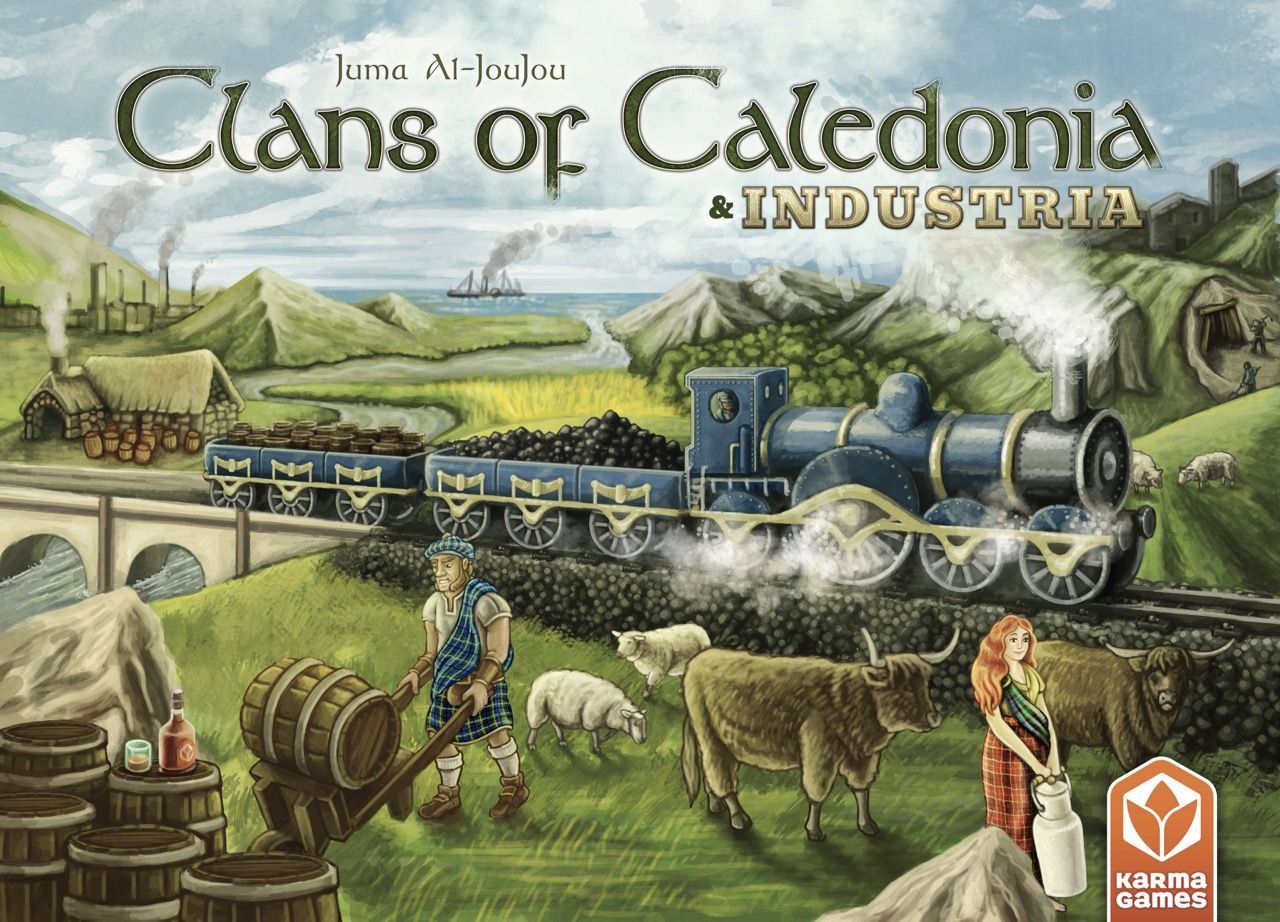
In Clans of Caledonia: Industria, players explore the complexities of industrial growth in 19th-century Scotland. The prosperous era transformed Scotland from an agricultural society into an industrial and trading powerhouse, with railways connecting the country and factories emerging, driven by steam engines and innovation. Historical clans must adapt to this changing landscape, seizing opportunities to industrialize their operations, while continuing to produce and trade traditional agricultural products, including their renowned whisky.
The base game is required to play with the Industria expansion. The ultimate goal is to accumulate the most Victory Points (VP), which are counted at the end of the game.
Preparation (Setup)
The Industria expansion is compatible with the base game and its modules can be used independently or together for the ultimate experience. The Train module adds the most complexity, while the Farmers' Markets introduce moderate complexity. The remaining modules add minimal complexity.
Setup Procedure (3 and 4 player game)
- Use the side of the map that shows the 3 and 4 player icon in the bottom left corner.
- Shuffle each type of Expansion tile and place them face down in separate stacks.
- Each player places their 4 milestone markers on the first 4 delivery track spaces and their train station on the last point (of the line on the track) 10.
- Draw and place 1 Delivery bonus tile 9 in its designated location (1 for each city and 1 for each pair of Villages).
- Draw and place 1 Demand tile 7 in its designated location (1 for each City and 1 for each pair of Villages).
- Draw and place 1 Milestone tile 3 in its designated location (1 for each City and 1 for each Tunnel).
- Place a stack of face-down Demand tiles next to the Demand tile refill area 1.
- Draw and place 4 (for a 4-player game) or 3 (for a 3-player game) face-up Demand tiles in the Demand tile refill area.
- Place the Port tiles in the 4 corners of the map.
- Place the passage bonus overlay tile for the farmers' markets.
- Prepare the train map, including the delivery bonus tiles and the demand tiles.
- Fill the export contract refill board (Expansion Module).
- Prepare the export contracts.
- Deal 1 Farmers' Market to each player and place them in reverse turn order (Expansion Module).
- Adjust market prices (Expansion variant).
- Clan Selection.
- Train Placement: At the end of the setup phase, after placing the first Workers, and in reverse Turn order, each player places their Train in a village of their choice. You cannot place your train in the same village as another player during this initial placement.
Adjusted Setup for 2-Player Game (Train Module)
- Use the side of the train map that shows the 2-player icon in the bottom left corner. There are only 2 locations in the Milestone areas that grant 6/2 VP for 1st/2nd place.
- When players place their trains during setup, the second player in turn order starts and places their train or their mini-train in a village.
- Then, the first player in turn order places their train or their mini-train in a village.
- After that, the second player can place the remaining train. Finally, the first player places the remaining train.
- No train can be placed in the same village as another train.
Farmers' Market Module
- During the setup phase, before selecting Clans, deal 1 Farmers' Market to each player.
- In reverse player order, each places their Farmers' Market according to the following restrictions:
- It must be placed on a terrain space.
- This space must have at least 3 neighboring terrain spaces.
- There must be a minimum of 2 tiles between this and any other farmers' market.
- When playing with Farmers' Markets, place the Passage bonus overlay tile (with the player count facing up) so that it covers the corresponding area on the Export board. Your Passage bonuses are £4 less than normal.
Export Contract Refill Board
During setup, place the Export contract refill board next to the Export board and fill each space with a face-up Export contract drawn from the draw pile.
Award Tiles
During setup, draw 1 random Award tile and place it (with the icons referring to your player count facing up) below the 5th Round scoring tile.
Game Flow
Refer to the manual for details on this section.
Actions and How to Play
Neighboring, Farmers' Market, and Construction bonuses, if activated together, can be used in any order during a turn. However, all these bonuses can only be used after the Expansion action has been fully completed. An Expansion action is fully resolved once the unit is placed on the map and all terrain and unit costs are paid. If there are any special bonuses related to the Expansion action, these bonuses need to be acquired/waived before using the Neighboring bonus, the Farmers' Market bonus, and/or the Construction bonus.
New Concepts
- Waterfall Space: Some spaces on the new map modules have rivers that originate from a waterfall in a mountain, instead of a lake. The river has its origin at the intersection of the contours of the three spaces.
- Having 2 Units in the same Space: Several effects in Industria allow you to place 1 unit in a space that already contains another unit. When placing 1 unit in a space with another unit, do not pay the terrain cost. A player can never have more than 2 units in the same space. Two units in the same space are considered neighbors. Each unit counts individually for their respective scores and milestones.
- Units that Trigger Deployment Bonuses: Whenever you place a unit from your player board onto the game map during your turn in the Action Phase, that unit can activate a Neighboring/Farmers' Market bonus and a construction bonus, regardless of how it was placed (i.e., Expansion action, Export contract bonus, Port bonus, Delivery bonus, etc.).
- Moving Units on the Game Map: Various effects in Industria allow you to move a unit from one space to another on the map. The terrain of the new space must match the terrain required by the unit being moved. Workers are considered of the same type and can be moved to any space with forests or mountains (similarly, MacDonald Clan workers can be moved from/to spaces with lakes). When changing spaces, you do not pay the terrain cost for the new space.
- Displaced Workers: Once workers are displaced, they are considered the same for all scoring markers, milestones, port bonuses, and delivery bonuses.
- Recalling Merchants: When gaining a bonus upgrade by any means, you can, alternatively, bring one of your Merchants back from the Market to your supply instead of hiring a new one.
Farmers' Market Module
Farmers' markets alter the game map, blocking spaces and offering players the opportunity to sell goods at a higher price. This price bonus is equivalent to the neighboring bonus. It is not possible to expand units into spaces that contain a farmers' market.
Whenever you expand into a space adjacent to a Farmers' Market, you can immediately sell up to 4 Goods of a single type, as shown on the Farmers' Market space, which is not yet covered:
- Pay all terrain and unit costs before using the farmers' market.
- Place up to 4 merchants on the Market board for the Product you wish to sell.
- Gain the market value of this product plus £2 for each basic product sold, or plus £3 for each processed product sold. Then, move the price marker as normal.
- Place one of the sold products on the corresponding icon on the farmers' market tile used.
- When both icons on a Farmers' Market are covered, the tile is immediately removed and returned to the box (the Products used to cover the icons on the tile are discarded). Players can now expand into this space normally.
Notes: Farmers' markets can only be used during your turn in the Action Phase (not, for example, when placing initial Workers). Special unit placements that do not activate Neighboring bonuses also do not activate farmers' markets.
Export Contract Refill Board
The Export contract refill board allows players to know which export contracts are coming next, helping them plan more efficiently.
During the Setup Phase, when refilling the Export board, draw Export contracts from left to right from the Export contract refill board, instead of the Export contract draw pile.
Whenever export contracts are drawn from the Export contract refill board, slide all remaining export contracts to the left and fill the empty spaces with export contracts from the draw pile.
If a player gains the Construction bonus, they take the 3 (or 6 for the Buchanan Clan) leftmost Export contracts from the Export contract refill board instead of drawing from the Export contract draw pile.
Train Module
This module introduces a new map on which players move their train to deliver goods to villages and cities, earning unique bonuses. Players also compete to reach Milestones that grant Victory Points and unlock new train routes across the map.
Train Action
Once per round, you can move your Train on the train map and deliver goods to receive a bonus.
- As an action, move your Train 1 or 2 locations (cities and/or villages). Your Train moves along the tracks from one location to an adjacent location. You cannot pass through blocked tracks unless you have unlocked them by achieving the corresponding Milestone.
- You cannot end your movement in the location where you started.
- You must deliver goods to the location where you ended your movement. In other words, you are not allowed to move to a location where you cannot deliver goods.
- After making a delivery, tilt your train on its side so it lies flat on the train map. This train is now exhausted and cannot be used again this round.
Note: Since you need to move your train before making the delivery, do not place it in the location where you intend to make your first delivery!
If you cross or end your movement in a location that contains other players' trains, you must pay those players £3. If you do not have enough money, you cannot cross or end your movement in those locations.
When using a Tunnel during your Train action, you gain an additional Action.
Delivery
When delivering Goods to a location, pay the corresponding costs for all Goods present on that location's Demand tile. Immediately, you gain or lose that location's Delivery bonus. You can gain all of the bonus, part of it, or none, as you wish; however, if a bonus has an additional cost, you must pay that cost to gain the bonus. Finally, take your leftmost marker from the delivery track (either a Milestone marker or a train station) and place it next to your player board for now.
When delivering to a city, gain 2 Glory VP in addition to the delivery bonus.
After delivering to a location (and gaining the Delivery bonus), discard the corresponding Delivery bonus tile. Therefore, you can only deliver to each location once per game.
Milestone Action
With each delivery made, you unlock one of your Milestone markers. If you have an unlocked Milestone marker in your supply, you can use an action to claim a Milestone after completing your Train action.
Place your milestone marker on the highest scoring location still available. This tunnel or city is now unlocked for you. By unlocking a tunnel, you will be able to cross it from now on. By unlocking a city, you will be able to cross it or end your journey there from now on.
You can only claim a Milestone if you meet the conditions for it and have not claimed it previously.
Train Station
After completing your 5th delivery in the game, you must immediately place your Train Station, either before or after resolving the Delivery bonus tile. Your Train Station can be placed on any space on the game map that meets all of the following conditions:
- It is within your reach.
- It does not already have a train station.
- It is not adjacent to another space with
Frequently Asked Questions
Quick answers about the rules
What is the objective of Clans of Caledonia & Industria?
How do you set up Clans of Caledonia & Industria?
How do you play Clans of Caledonia & Industria?
Other Games You'll Like
Based on mechanics and theme