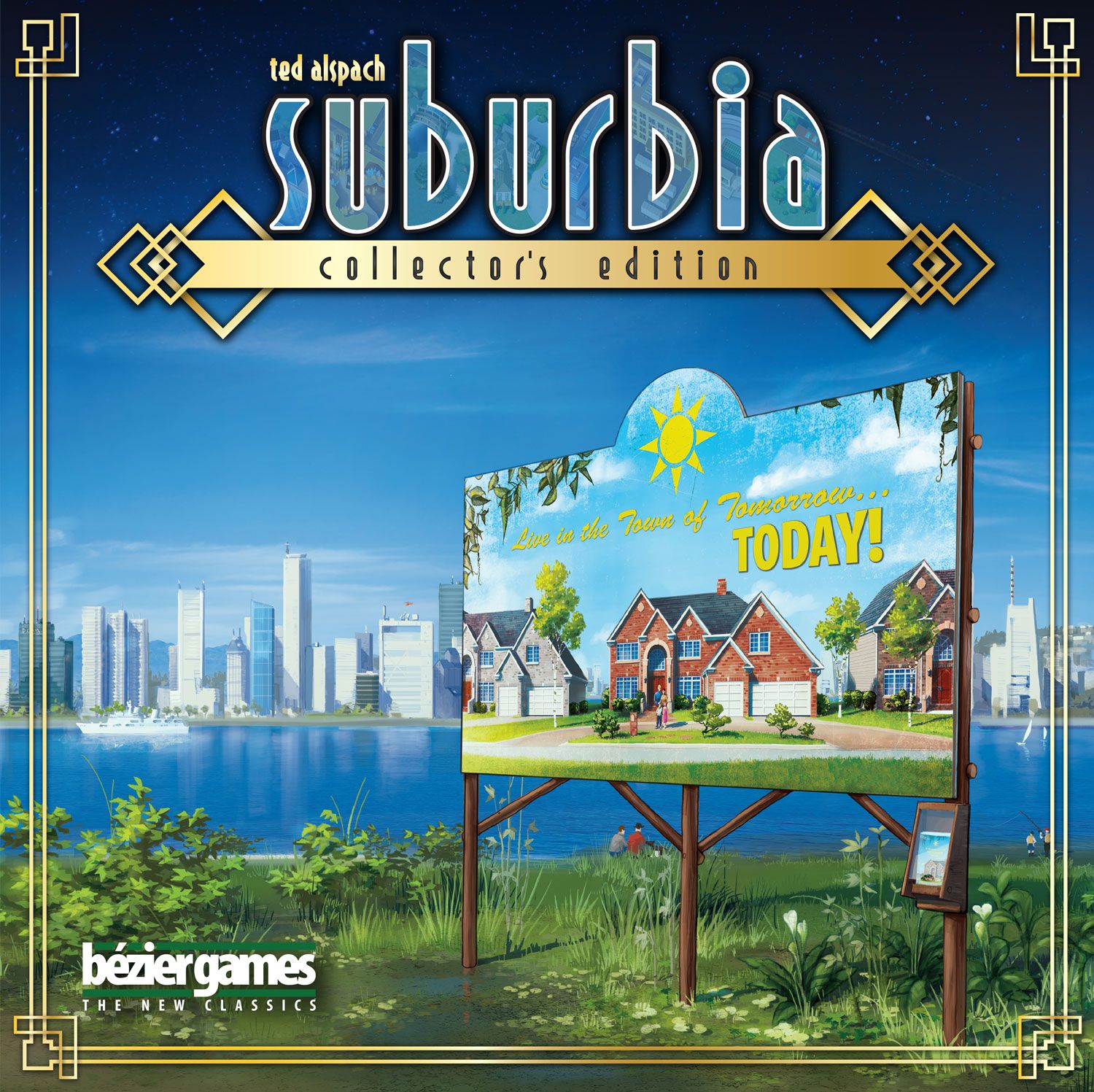
How to Play Suburbia: Collector's Edition
Bézier Games, UBO CnC · Board game · 2019What do you want to do now
Ask anything about Suburbia: Collector's Edition: rules, setup, components, complexity, price, or whether it fits your group.
Video: How to Play
Start here, then follow the written guide
Step by step
Game Objective
In Suburbia: Collector's Edition, your goal is to plan, build, and develop a small town into a sprawling metropolis. You will use building tiles to add residential, commercial, civic, and industrial areas, as well as special points of interest that offer benefits and leverage the resources of nearby boroughs. Your goal is to make your borough prosper and end with a higher Population than any of your opponents.
Preparation (Setup)
- Shuffle 3 face-down stacks of tiles, each stack having a letter on the back (A, B, and C). If playing with any expansions, swap an equal number of base set tiles from the expansion for tiles from the expansions. Then, take the following number of tiles for each stack, depending on the number of players:
- 5 Players: 28 A, 25 B, 27 C
- 4 Players: 22 A, 20 B, 24 C
- 3 Players: 18 A, 15 B, 18 C
- 1 or 2 Players: 14 A, 12 B, 12 C
- Place the Market board into the Market tray slot. Use the 1-4 player side for 1-4 players and the 5-player side for 5 players. Take seven A tiles (eight if playing with any expansions, swap an equal number of base set tiles from the expansion for tiles from the expansions).
- Randomly choose a starting player and give them the Starting Player marker. If playing with the 5 Star expansion, refer to the "Player Setup for Suburbia 5 Star" section to determine the starting player. Flip the Population board so the 5 Star side is face up and stack the Star markers one at a time on the leftmost space on the Star track. The starting player is the player whose Star marker is on top and the last player is the one whose Star marker is on the bottom.
- For each player: gather $15 in coins, a Borough board, three Investment markers, and all wooden pieces of the same color, and place them in front of you.
- On your Borough board, place your Income cylinder on the 0 Income space and your Reputation cube on the 1 Reputation space.
- Place a Suburb tile in the middle slot of your Borough board, then a Community Park tile next to it, and a Heavy Factory tile next to the Community Park tile. If playing with the reverse side of the Borough board, place the Suburb in the middle slot against the Borough board, then the Community Park directly above the Borough board, and then the Factory directly above the Community Park tile.
- Place the Population board where everyone can see it and place your Population meeple on space 2. If playing with the 5 Star expansion, refer to the "Player Setup for Suburbia 5 Star" section.
- Look at your two face-down goals: Keep one and place the other back in the box. Do not show either to anyone. The one you keep is your private goal.
Game Flow
On your turn, perform the following four actions in order:
- Place a building tile or an Investment marker in your borough.
- Collect or pay money (based on your Income).
- Adjust Population on the Population board (based on your Reputation).
- Add a new tile to the Real Estate Market.
As the game progresses, the A tiles will run out, and tiles will start coming out of the Tile Tower. When the B tiles run out, the C tiles will start coming out of the Tile Tower. At some point in the second half of the C stack, the "One More Round" tile will appear, indicating that the game will end soon. If playing with Bonus and Challenge tiles, the Bonus tile will appear as soon as stack A is depleted, and the Challenge tile will appear as soon as stack B is depleted.
Actions and How to Play
1. Place a building tile or an Investment marker in your borough
- Take a Tile from the Real Estate Market: When taking a tile from the Real Estate Market, pay the cost shown above on the tile. Additionally, the cost of the tile goes into the Resource tray. Then, place the purchased tile adjacent to any of your tiles. Make any adjustments as indicated in the tile descriptions of the placed tile, as well as any other affected tiles. Income and Reputation can never fall below -5 or rise above 15. The effects of a tile can be triggered after it is placed. For example, placing a new tile next to an existing Community Park results in +1 Reputation each time.
- Take a Basic Tile: You can take any available basic tile: Suburb, Community Park, or Heavy Factory.
- Take a Tile to Use as a Lake: When taking a tile to use as a Lake, you must choose a tile from the Real Estate Market. Place this tile in the same way as if you had purchased it from the Real Estate Market, ignoring the cost on the tile.
- Place an Investment Marker: Refer to the manual for details on this section.
2. Collect or Pay Money (based on your Income)
If your Income cylinder is on a positive number, take that amount of money from the Resource tray. If your Income cylinder is on a negative number, pay that amount of money back to the Resource tray. If your Population meeple is on a negative number, pay what you can, then move your Population meeple back one space for every $1 you still owe. A Population meeple cannot have a Population less than 0, so if your Population meeple is at 0 and you still owe money, nothing happens.
3. Adjust Population (based on your Reputation)
If your Reputation cube is on a positive number, increase your Population by that amount. If your Reputation cube is on a negative number, decrease your Population by that amount. If your Population meeple is at 0, but you still have a negative value to account for, pay $1 to the Resource tray for each remaining point. If you have no money, nothing happens.
4. Add a New Tile to the Real Estate Market
Slide the remaining tiles in the Real Estate Market to the right to fill the space of the removed tile (there will always be one tile removed on each player's turn). Then, take a new tile from the bottom of the Tile Tower, placing it face up on the far left of the Real Estate Market.
End of Game and Scoring
When the "One More Round" tile is flipped, discard it and finish the current round (draw another tile to replace the "One More Round" tile). Then, everyone plays one more time, starting with the starting player. All players take the same number of turns in the game.
Final Scoring
After the last player finishes their turn, begin final scoring. There are two parts to final scoring: goals and converting money to Population. Always score goals first.
Score Goals
Goal tiles can be public (placed on the Goal lid for everyone to compete for) or private (held by a single player at the start of the game, which only they can score). In both cases, points are scored at the end of the game, and only by a player who has achieved the goal alone. In the case of a Population bonus, only the owner of the goal can score the Population bonus from the goal. In the case of final goals, these always refer to tiles placed in the Investment Market. The same applies to the Employer goal (lowest number of Investment Markers), only Investment markers played in a player's borough count for that goal. When scoring a Population bonus, red roofs do not adjust a player's Income or Reputation. Players score goals before exchanging money for Population ($5 for 1 Population). This ensures that the winners of the Billionaire (Most Money in Hand) and Spender (Least Money in Hand) goals are determined before money is exchanged for Population.
Convert Money to Population
Convert your money by returning it to the Resource tray. Score 1 Population for every $5 you return to the Resource tray. Population bonuses for fulfilled goals and the conversion of money to Population do not trigger the Income and Reputation effect of red roofs.
Victory and Tie-breaking
The player with the highest Population on the Population board wins. In case of a tie, the player with the highest Reputation among the tied players wins. In case of another tie, the player with the highest Income among the tied players wins. If players are still tied, the player with the most money remaining (not including money converted to Reputation) wins. In case of an additional tie (at which point the tied players are likely incredibly amused), all tied players play another game of Suburbia to determine the winner of the first game.
Tips for Winning
- Keep an eye on the effects of the tiles you place. For example, placing a new tile next to an existing Community Park results in +1 Reputation each time.
- Manage your Income and Reputation carefully, as they can never fall below -5 or rise above 15.
- Consider your private goals throughout the game, as they can be a significant source of Population at the end of the game.
More videos
More rules explanations from the community


Rules manual
Official PDF file
Frequently Asked Questions
Quick answers about the rules
What is the objective of Suburbia: Collector's Edition?
How do you set up Suburbia: Collector's Edition?
How do you play Suburbia: Collector's Edition?
How does Suburbia: Collector's Edition end, and how do you score?
What are some tips for winning Suburbia: Collector's Edition?
Other Games You'll Like
Based on mechanics and theme